Console tour
The management console runs in your tenant, beside the management API. It is where people approve collectors, connect sources, change privacy actions and check that events arrive. This page walks through every page in the order of the navigation.
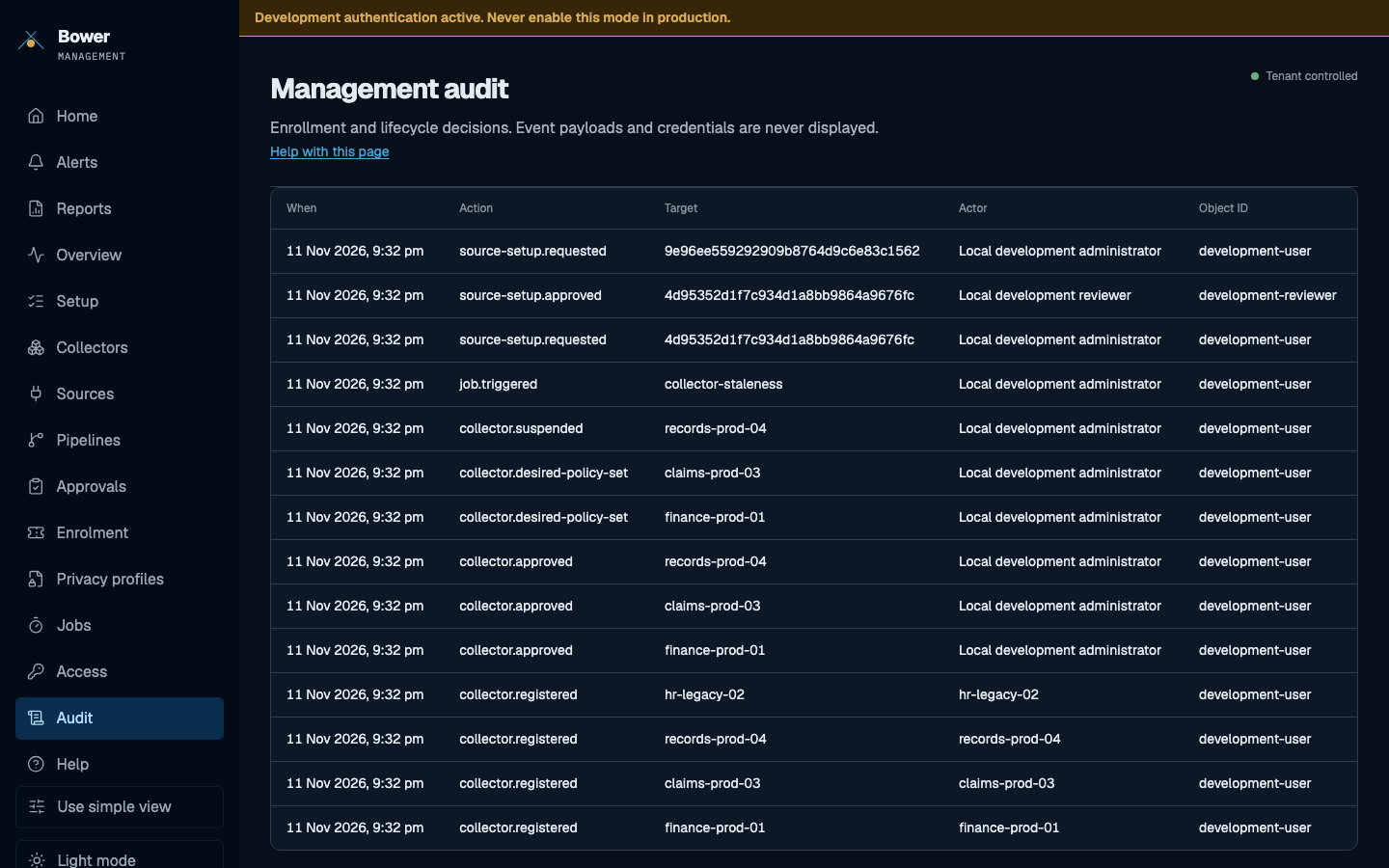
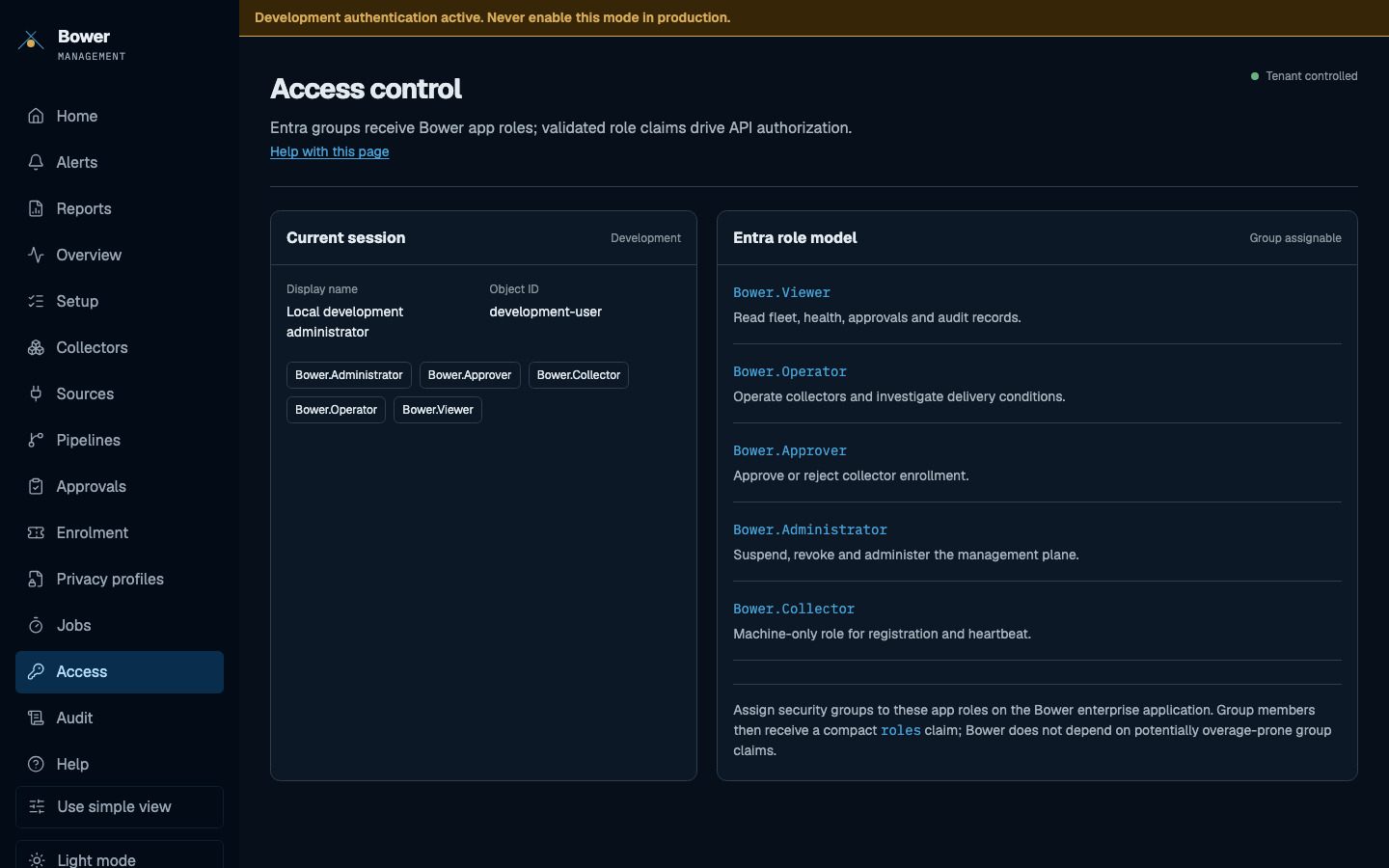
They use the console's synthetic preview dataset (npm run seed:preview), captured by
ui/Bower.Management.Web/e2e/docs-gallery.spec.ts, and follow this site's light or dark theme.
The amber banner is the local development sign-in used to capture them. A real deployment
signs in with Microsoft Entra ID and never shows it.
Roles at a glance
| Role | Can |
|---|---|
Bower.Viewer | Read fleet, health, approvals, audit and privacy profile versions. Starts in the simple view. |
Bower.Operator | Respond operationally; validate, preview and submit privacy profile versions; request sources. |
Bower.Approver | Decide collector enrolment; approve or reject changes authored by someone else. |
Bower.Administrator | Suspend, revoke and administer; assign privacy profile versions; create enrolment tokens. |
The API enforces these. The console hides what you cannot do, but it is the API that refuses. See roles and identity.
Home
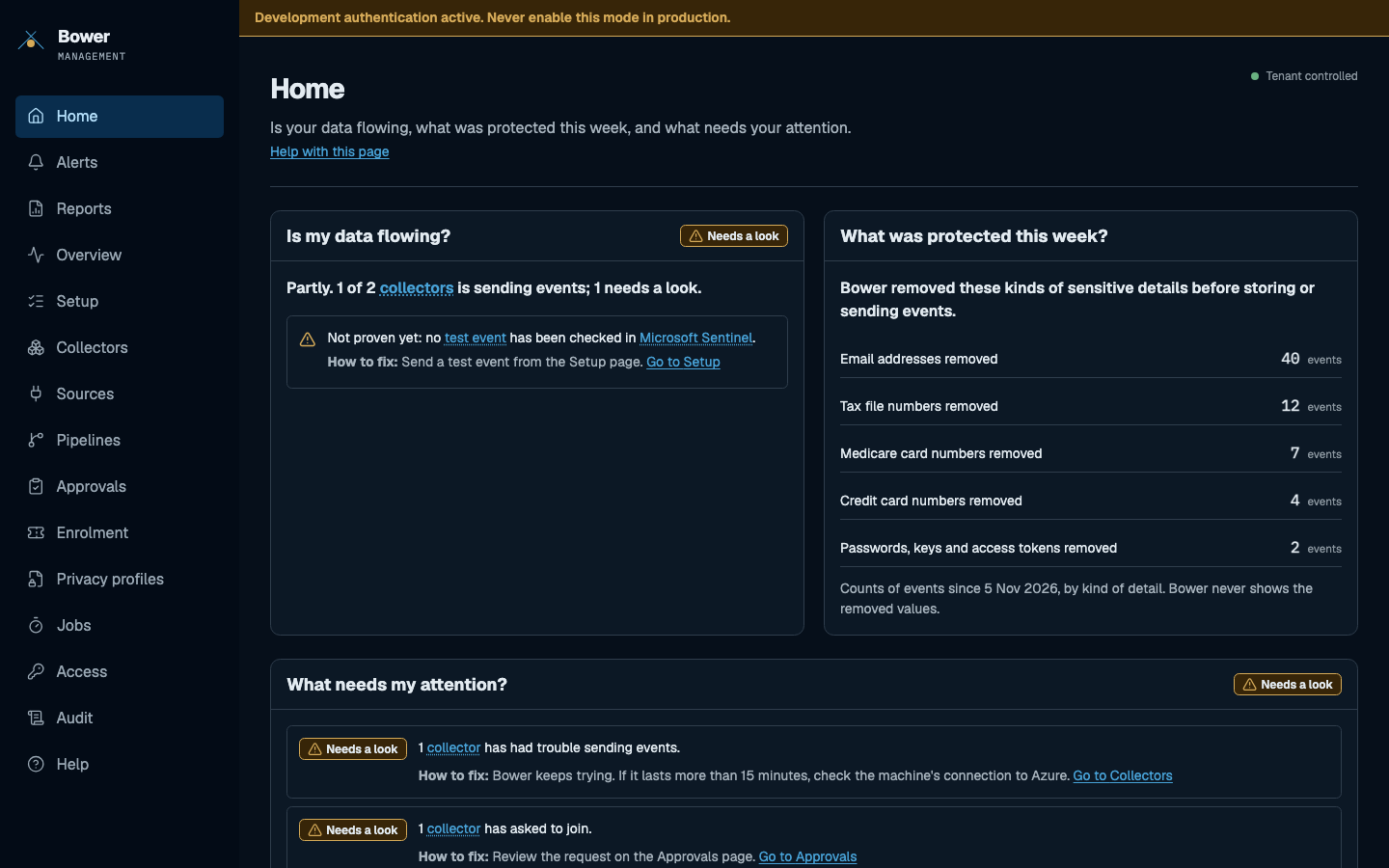
What needs my attention? Home answers three questions for an owner who does not read CLI output: is my data flowing, what was protected this week, and what needs attention. The counts are reported by collectors; Bower never shows the removed values.
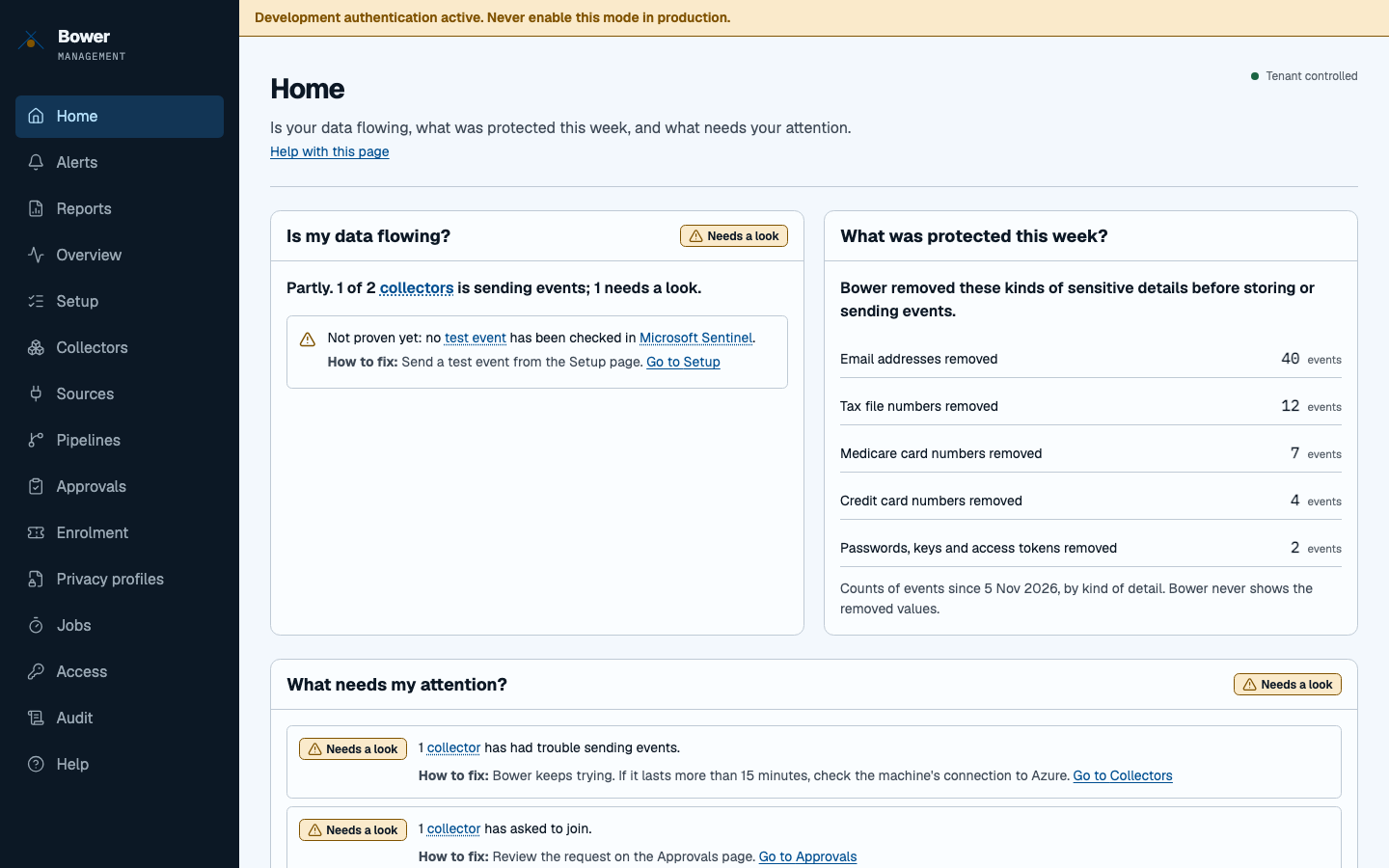
Read more: Console home view.
Fleet posture
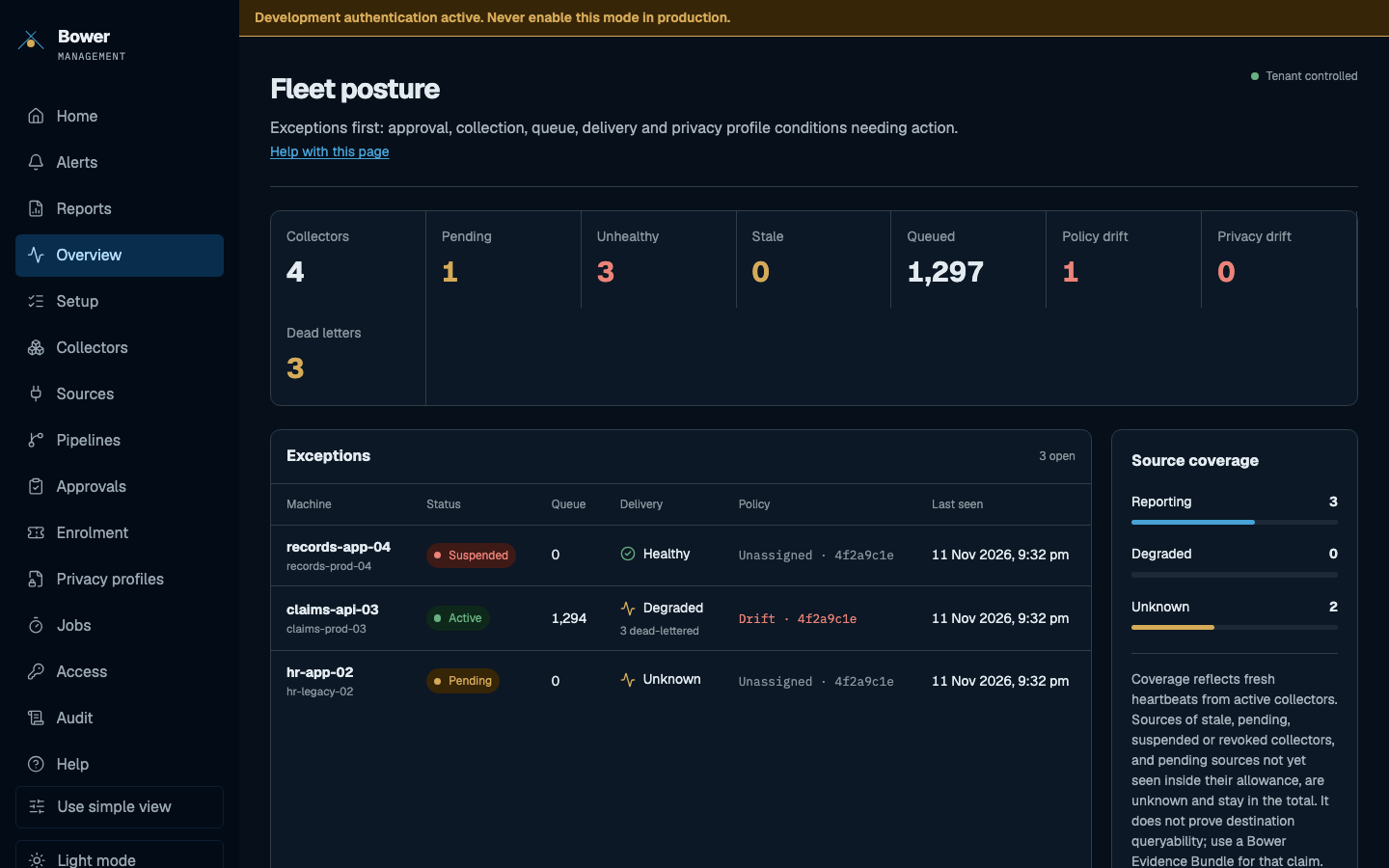
Exceptions first. Counts for collectors, pending approvals, unhealthy, stale, queued, policy drift, privacy drift and dead letters, then a table of the machines that need action and how much of each source is reporting.
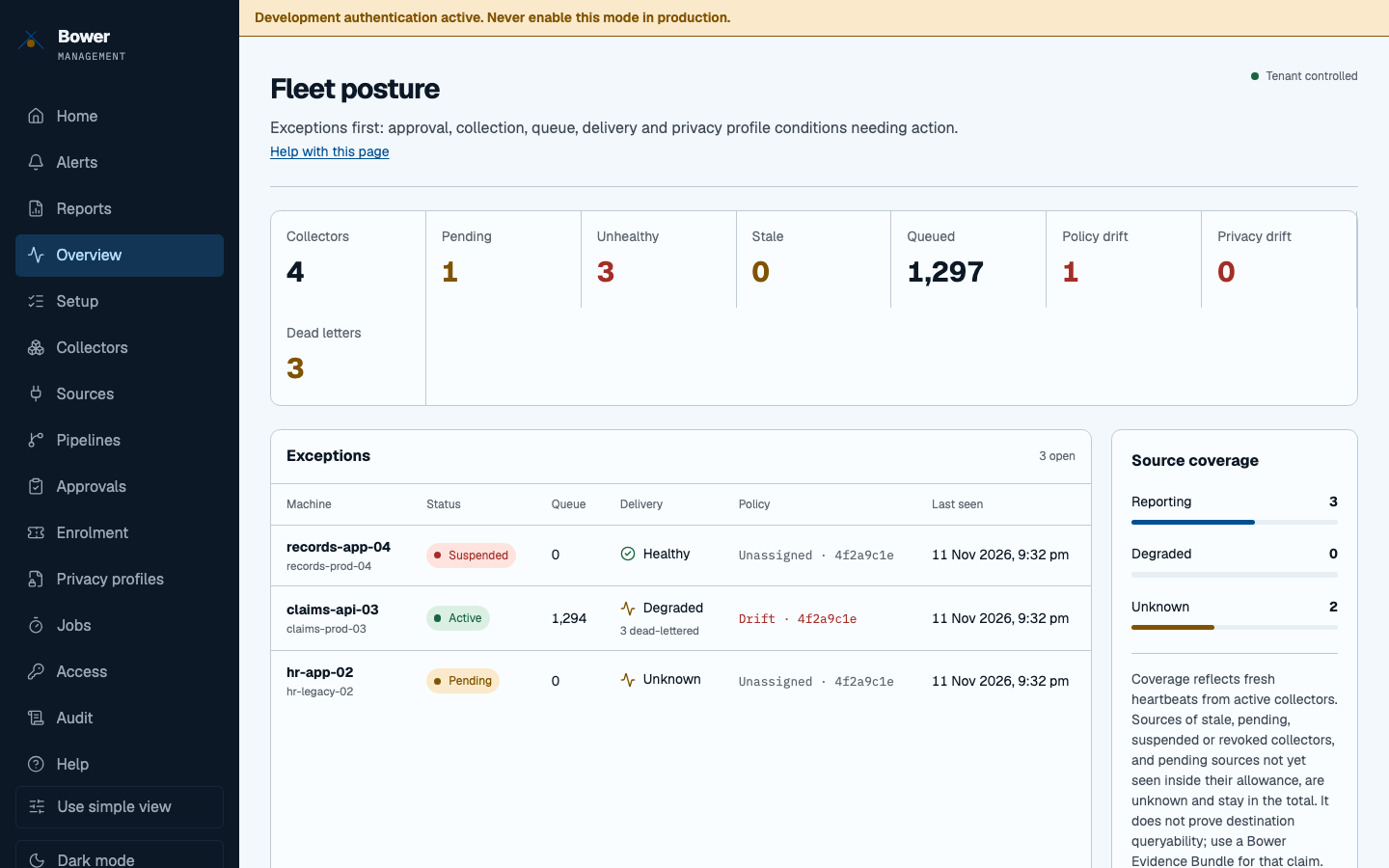
Read more: Check your collectors.
Setup
A seven-step wizard from an empty management database to a test event found in Microsoft Sentinel. Progress is computed from server state, so anyone can leave and resume it, and every step can be run again.
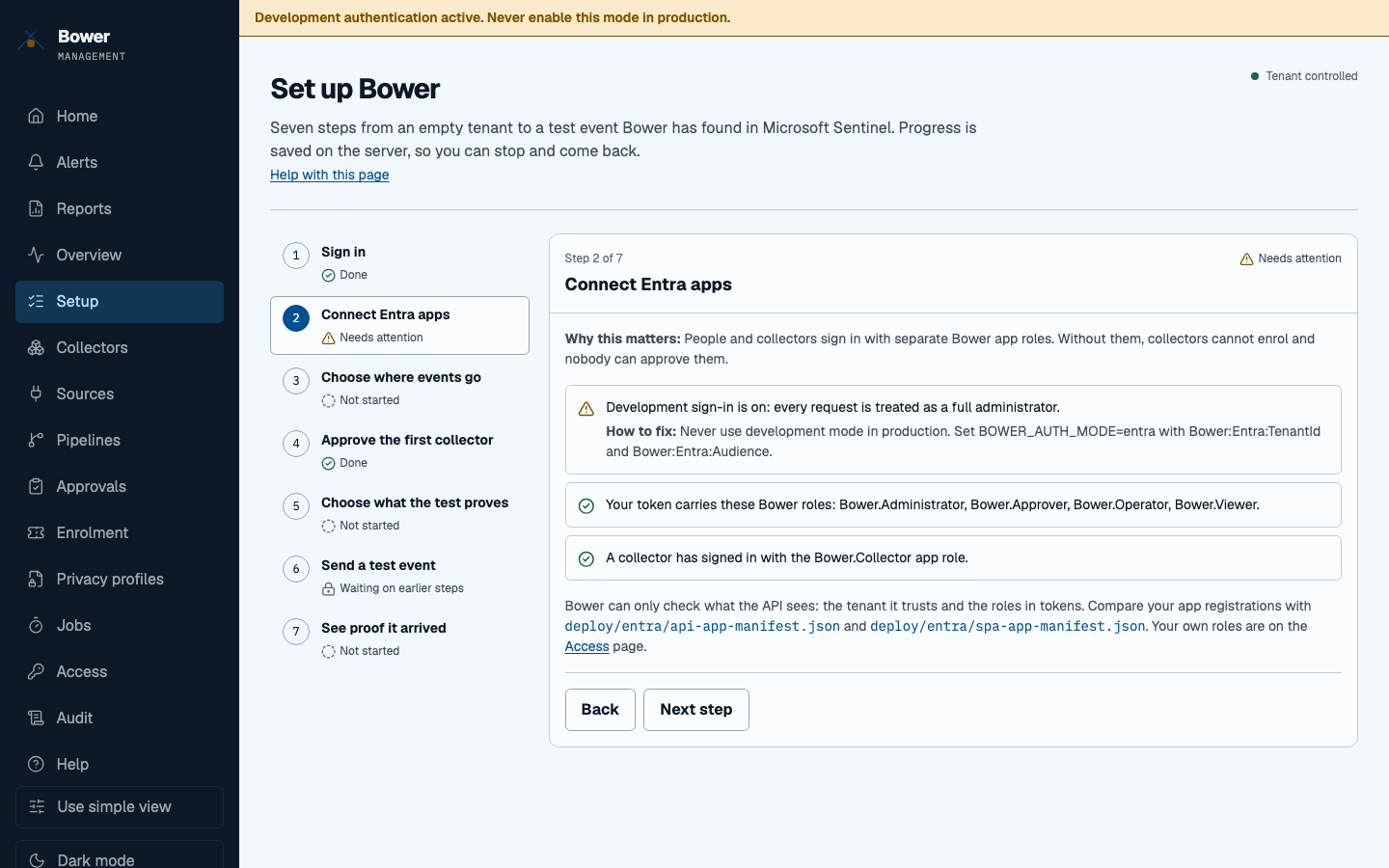
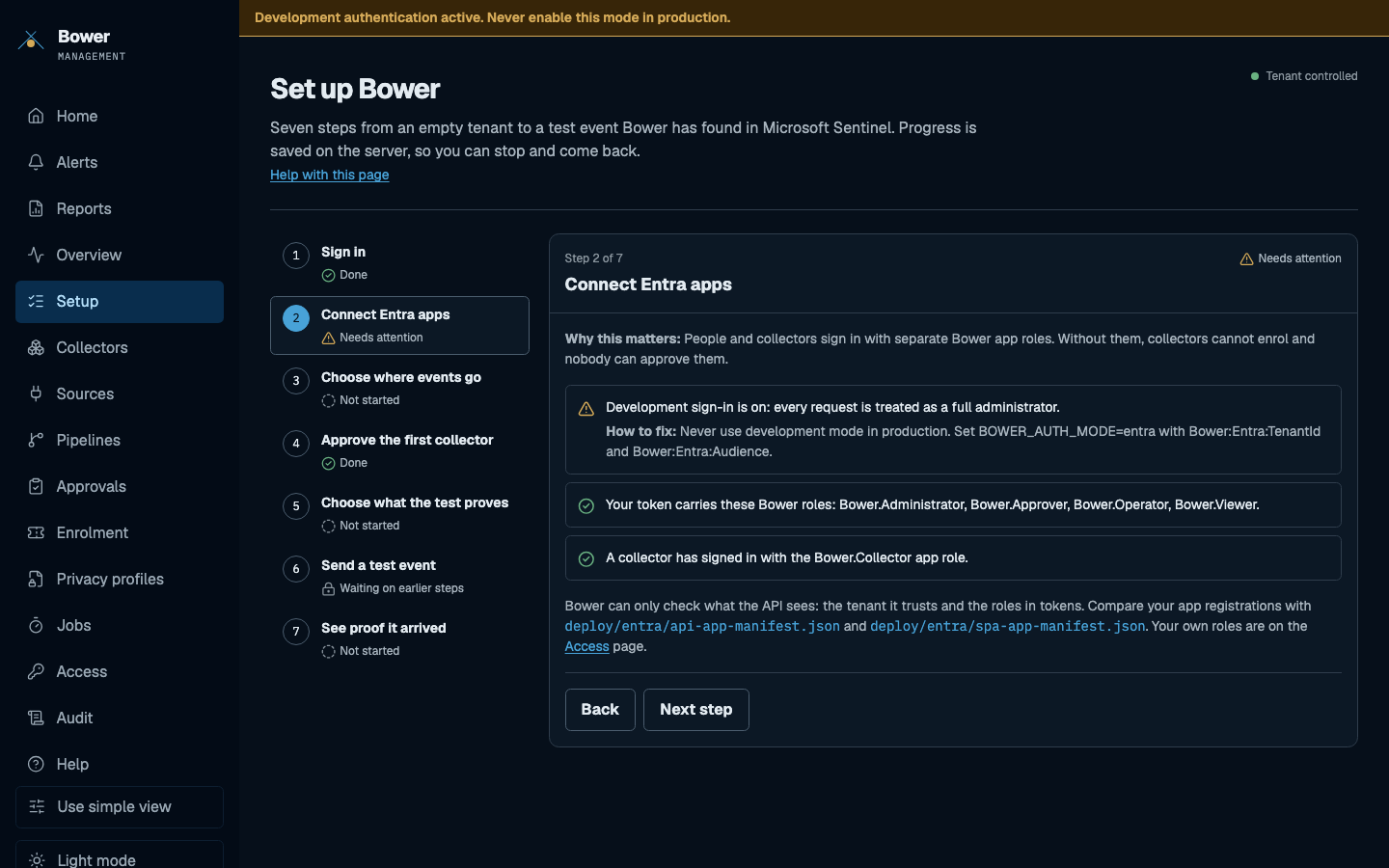
Read more: Console onboarding.
Collectors
Every machine with one plain-language state, a short explanation and a suggested fix. The most urgent appear first. Filter by state and site, or search by machine name or collector ID.
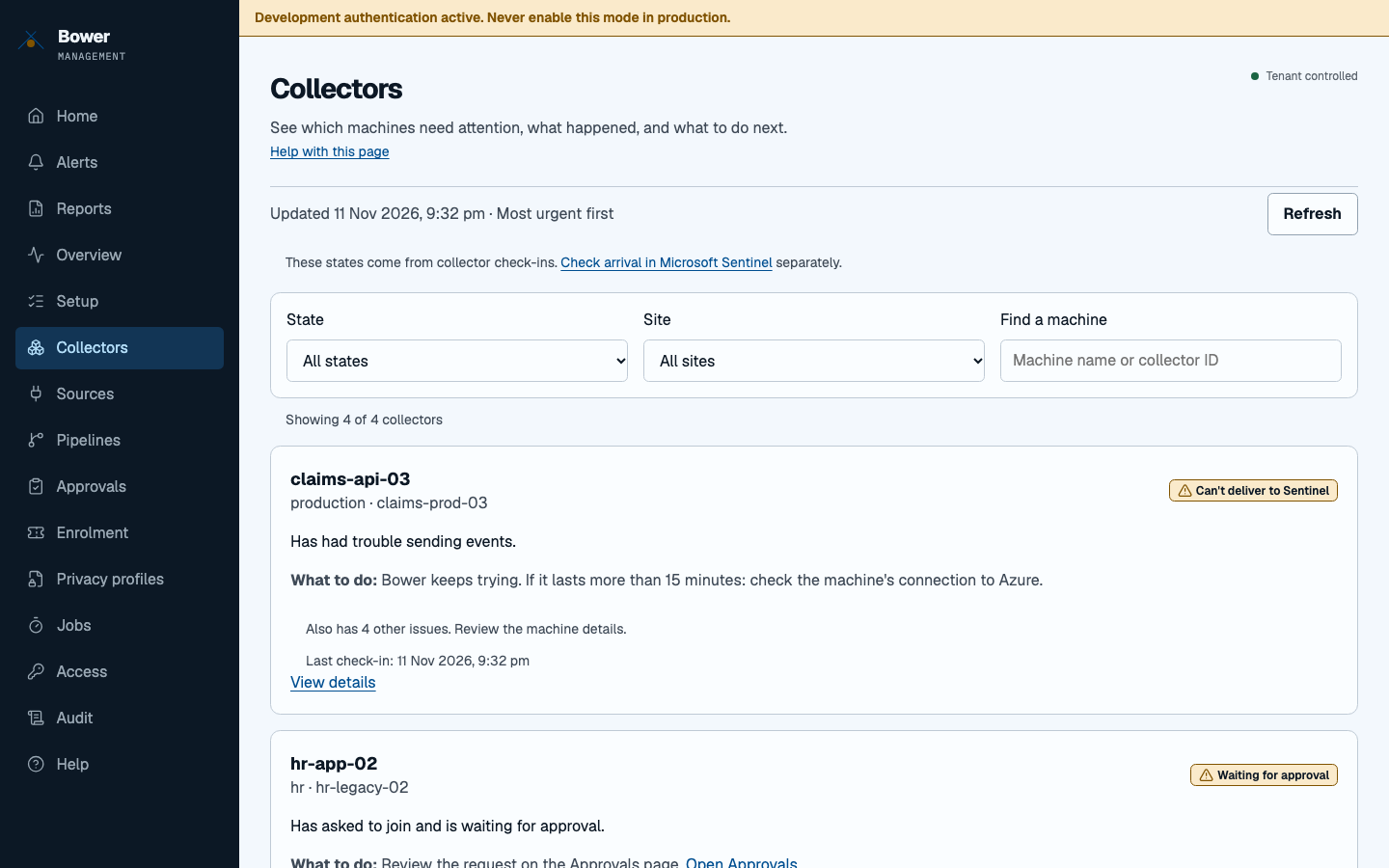
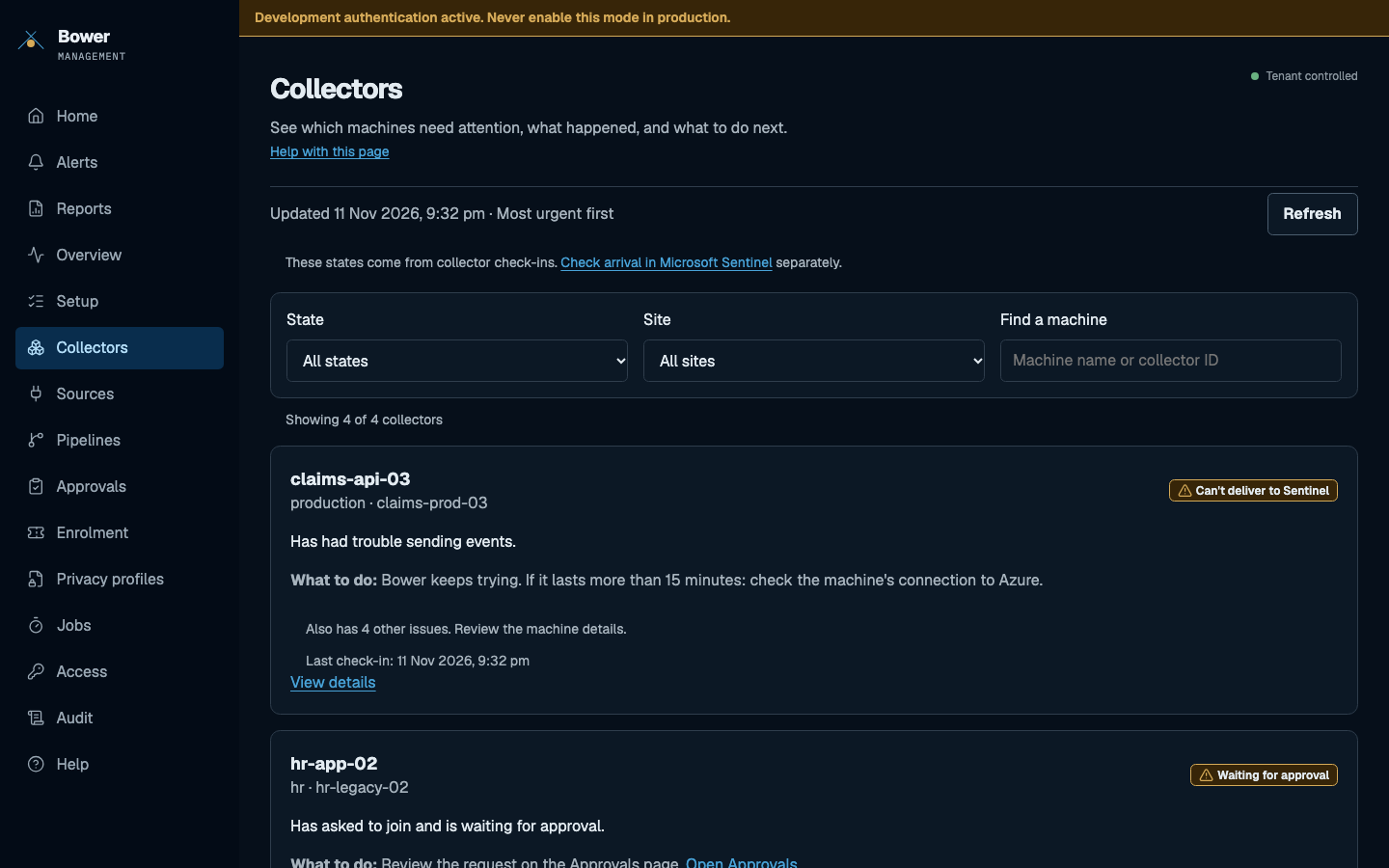
Read more: Check your collectors.
One collector
The detail for one machine: queue depth, delivery state, policy and privacy drift, dead letters, sources and recent commands. Operators can fetch a bundle or run a canary; only administrators can reload or rotate a credential.
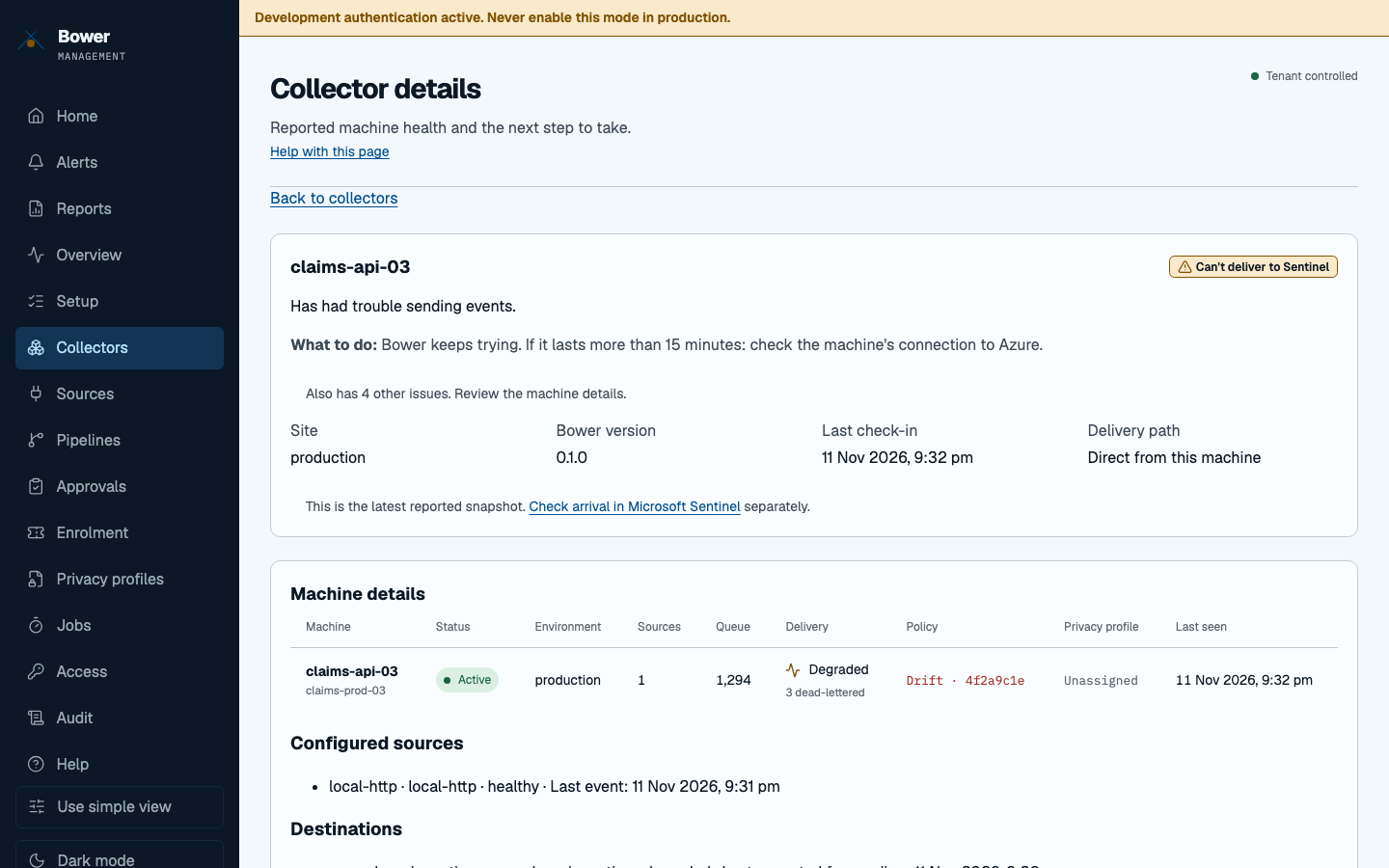
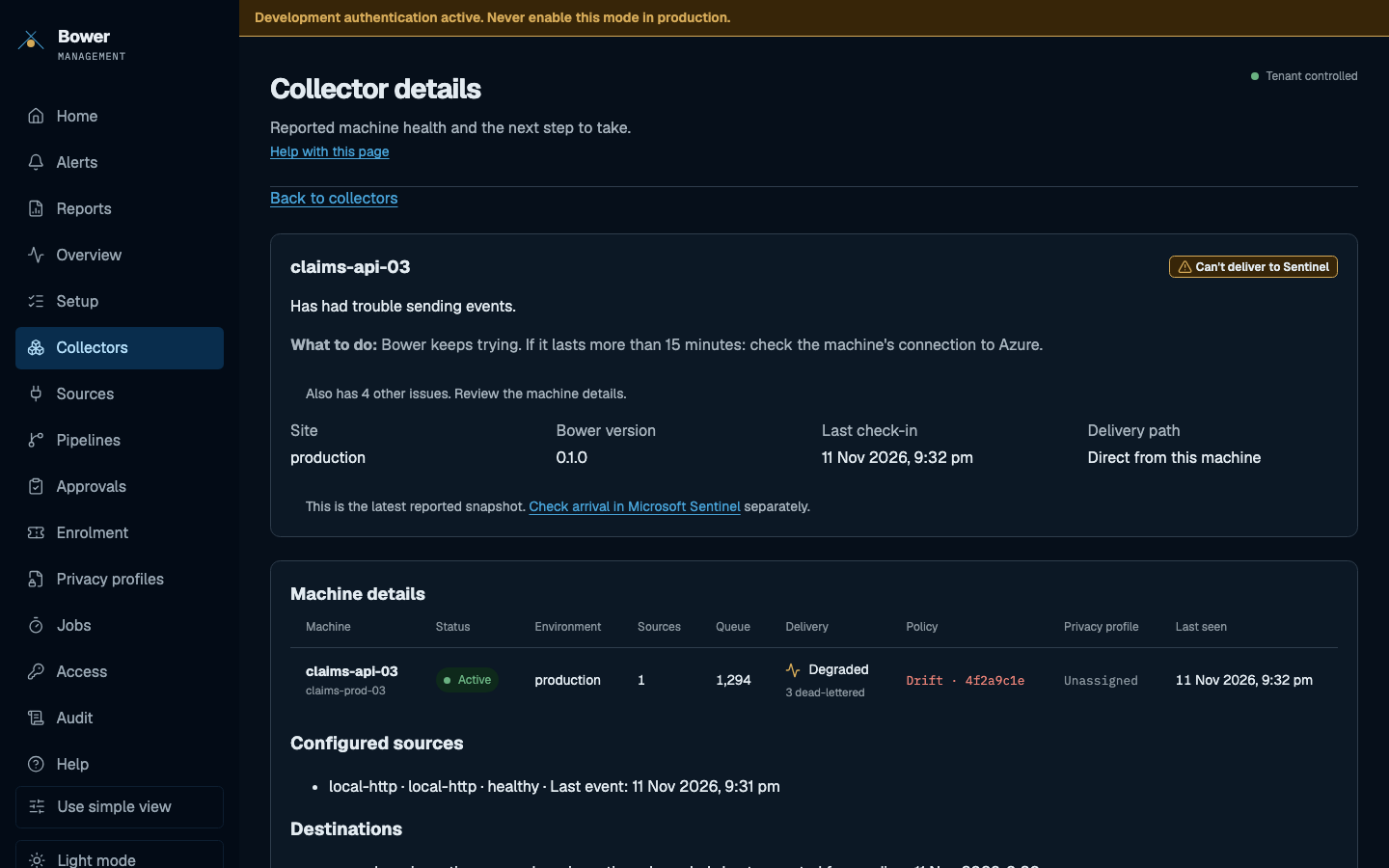
Read more: Queue and fleet integrity.
Sources
Guided setup for syslog, Windows Event Log, security-selected files, Docker containers, AWS and Google Cloud. Bower writes the settings and shows a protected preview; someone else approves them; an operator applies the signed configuration.
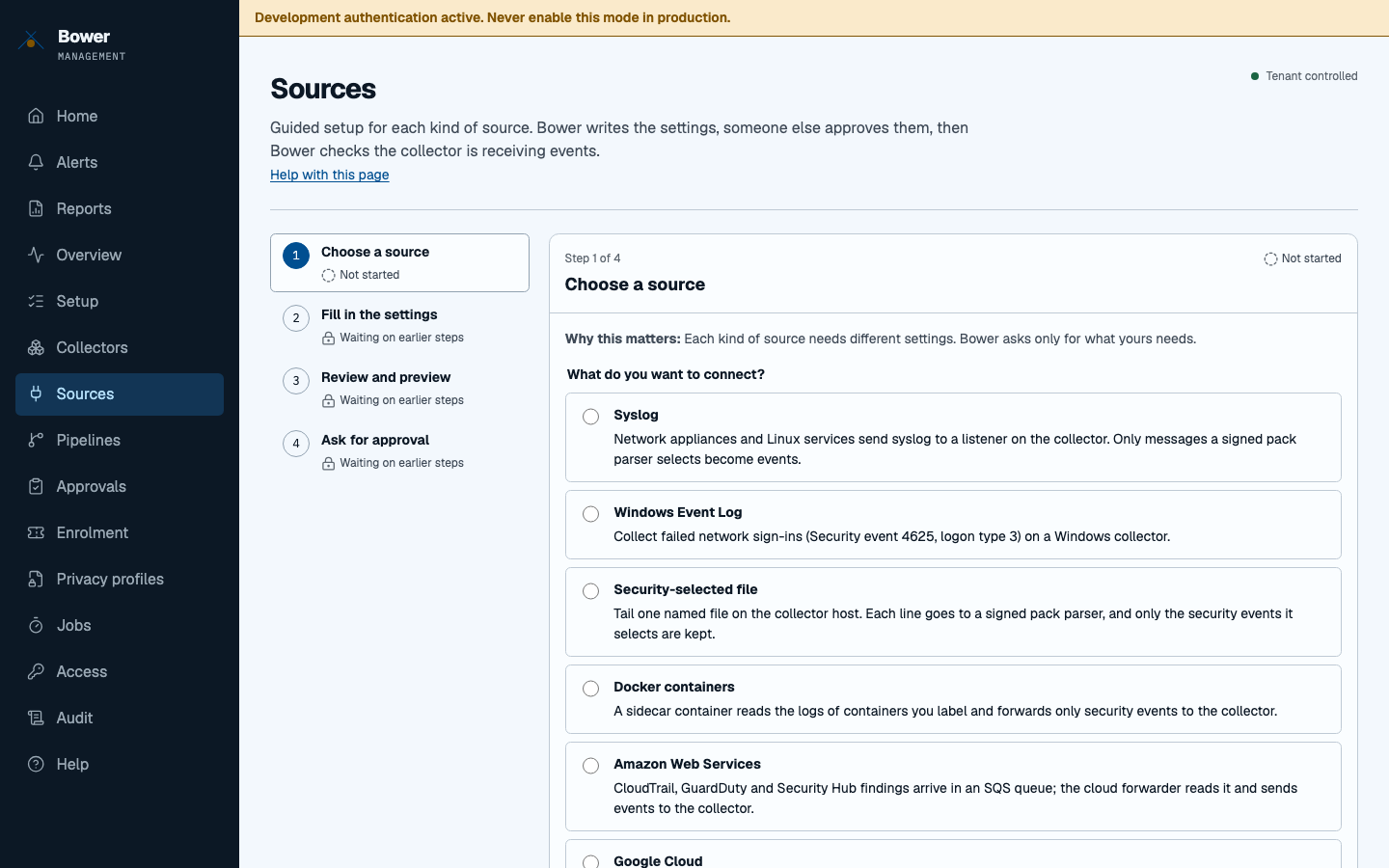
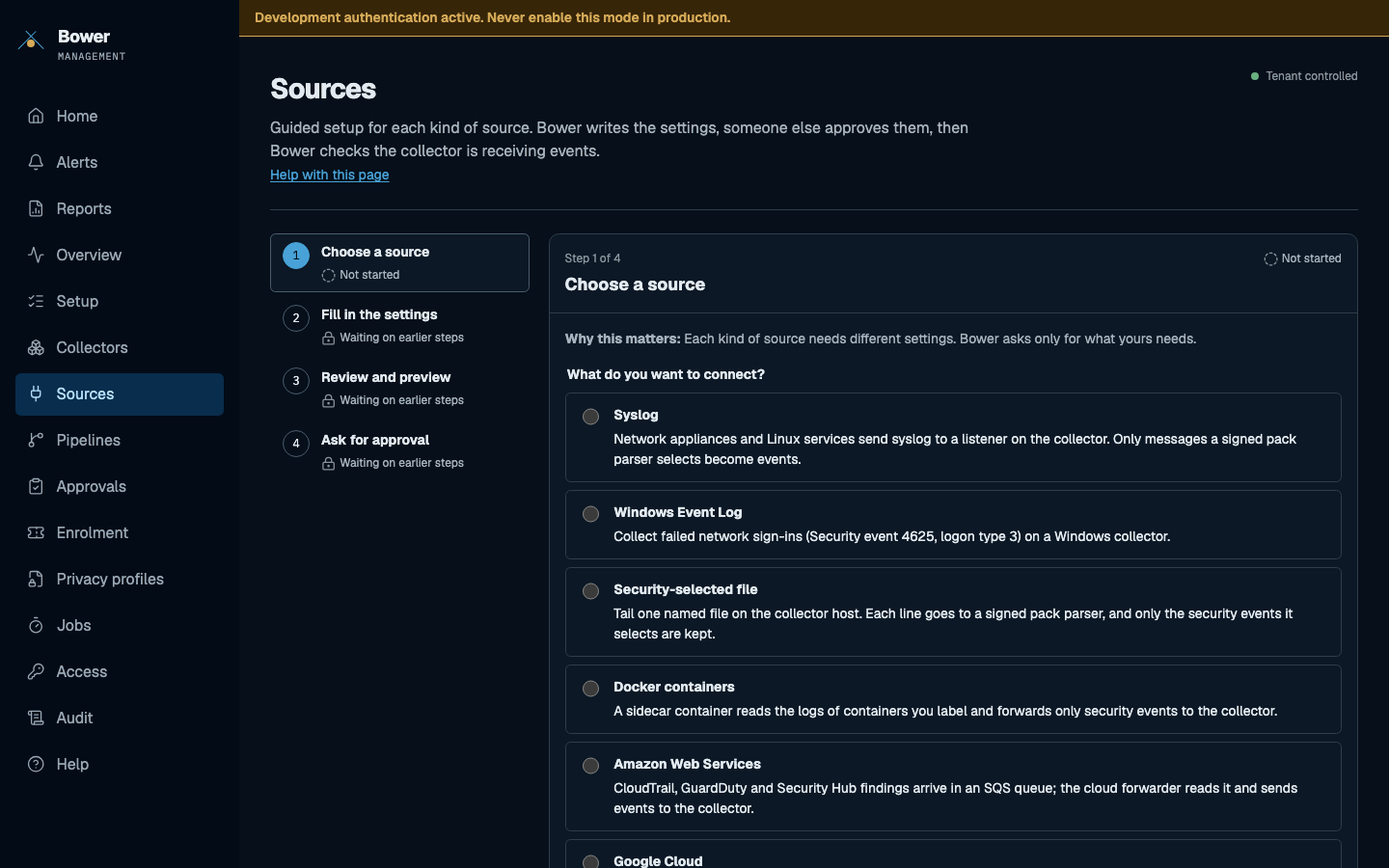
Read more: Add a security source.
Pipelines
Infer a custom log parser from a sample, validate the transformed fields and start from a pipeline template. Inference is deterministic and local; samples are bounded, kept in memory and never stored.
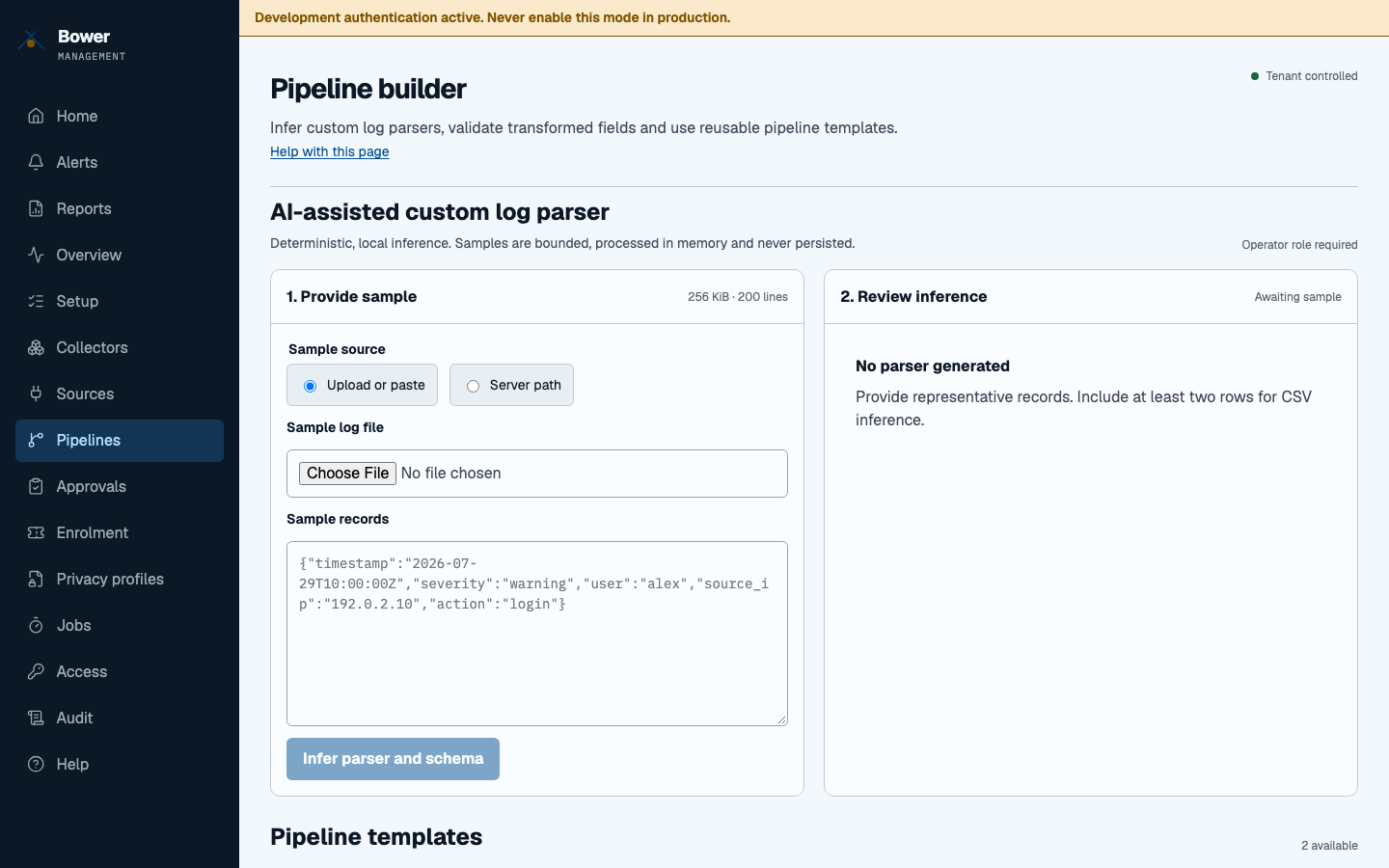
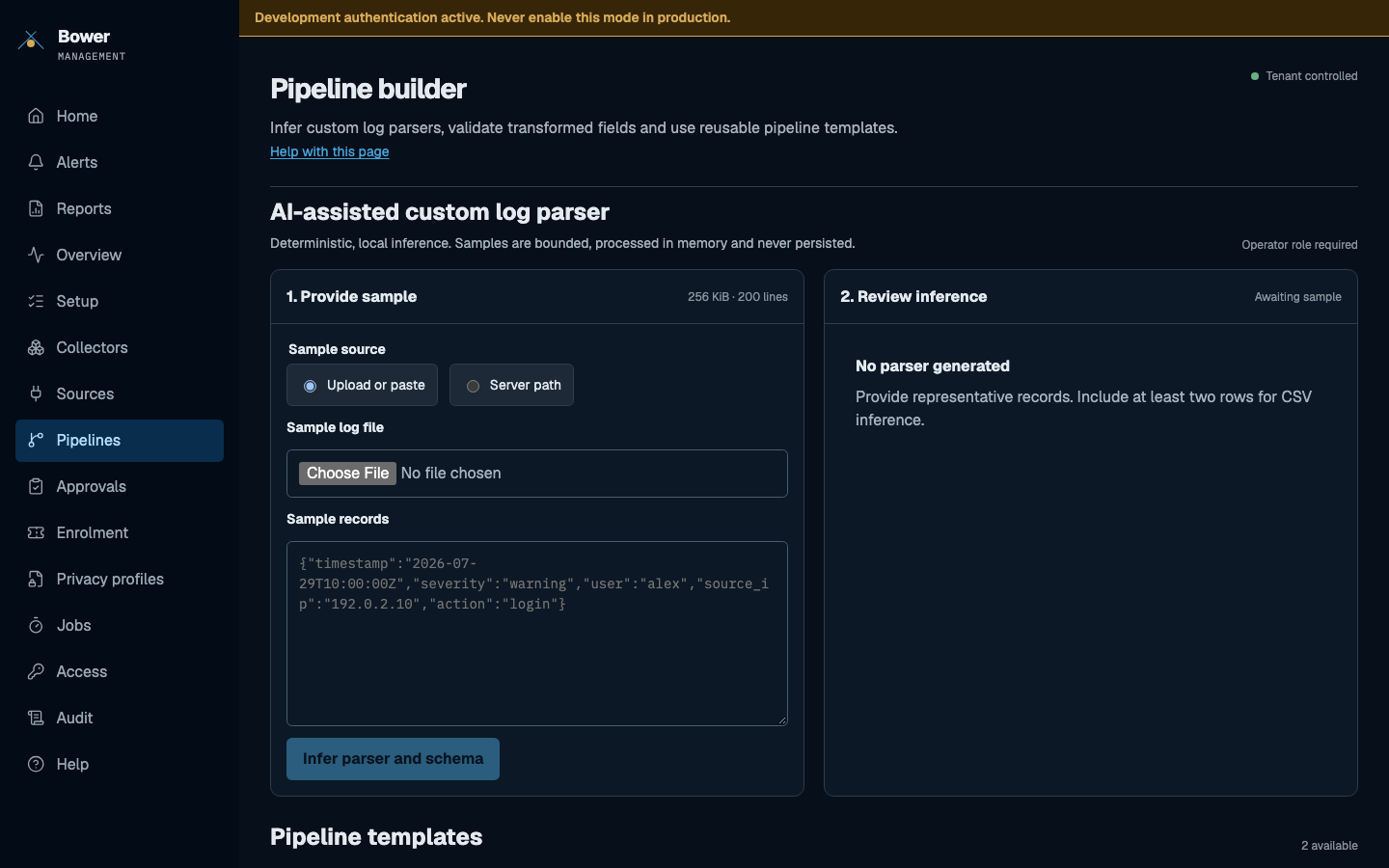
Read more: Custom parsers.
Approvals
Approve or reject a collector's identity, a source request or a privacy profile version. A requester cannot approve their own change, and every decision records a reason in the audit history.
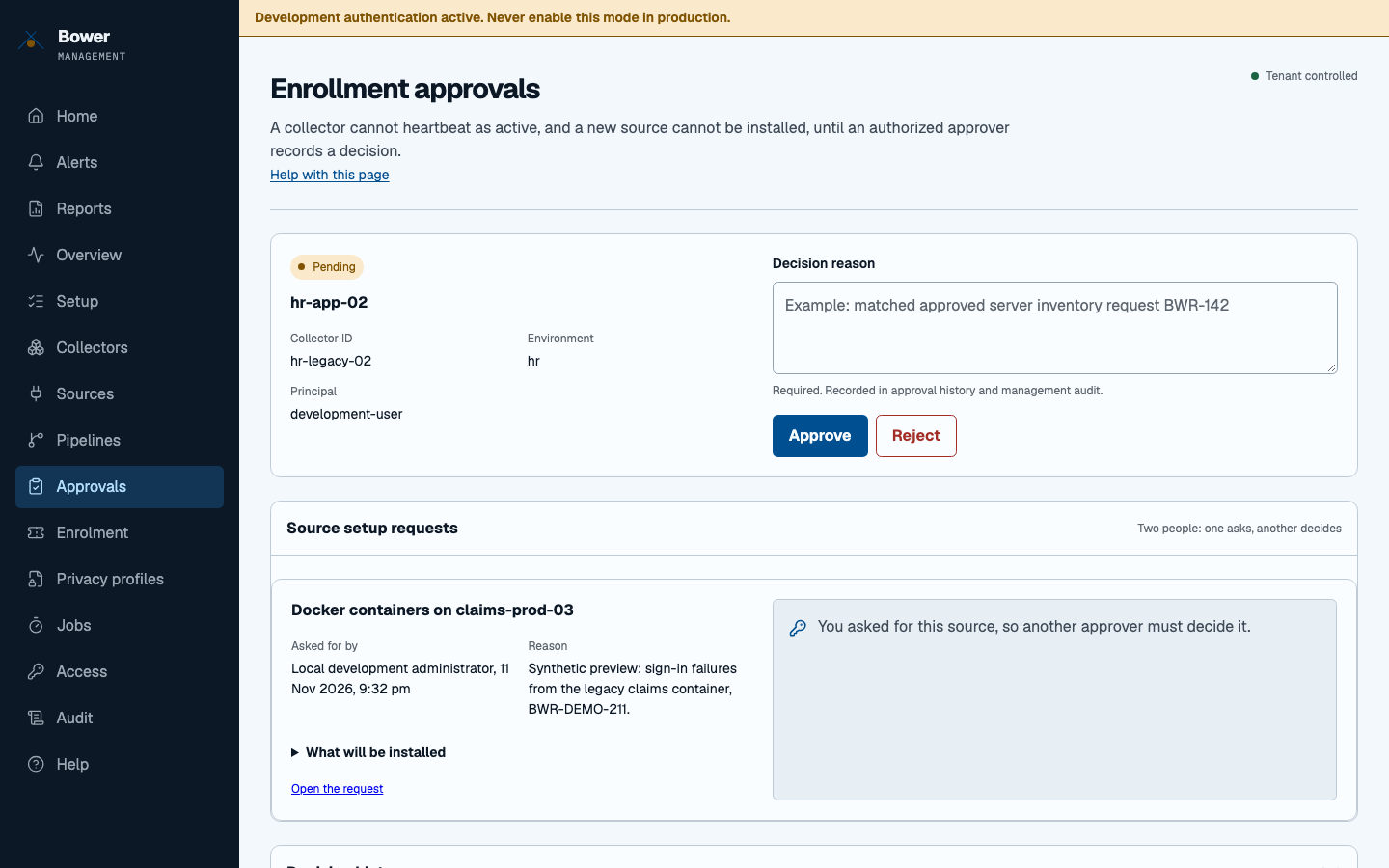
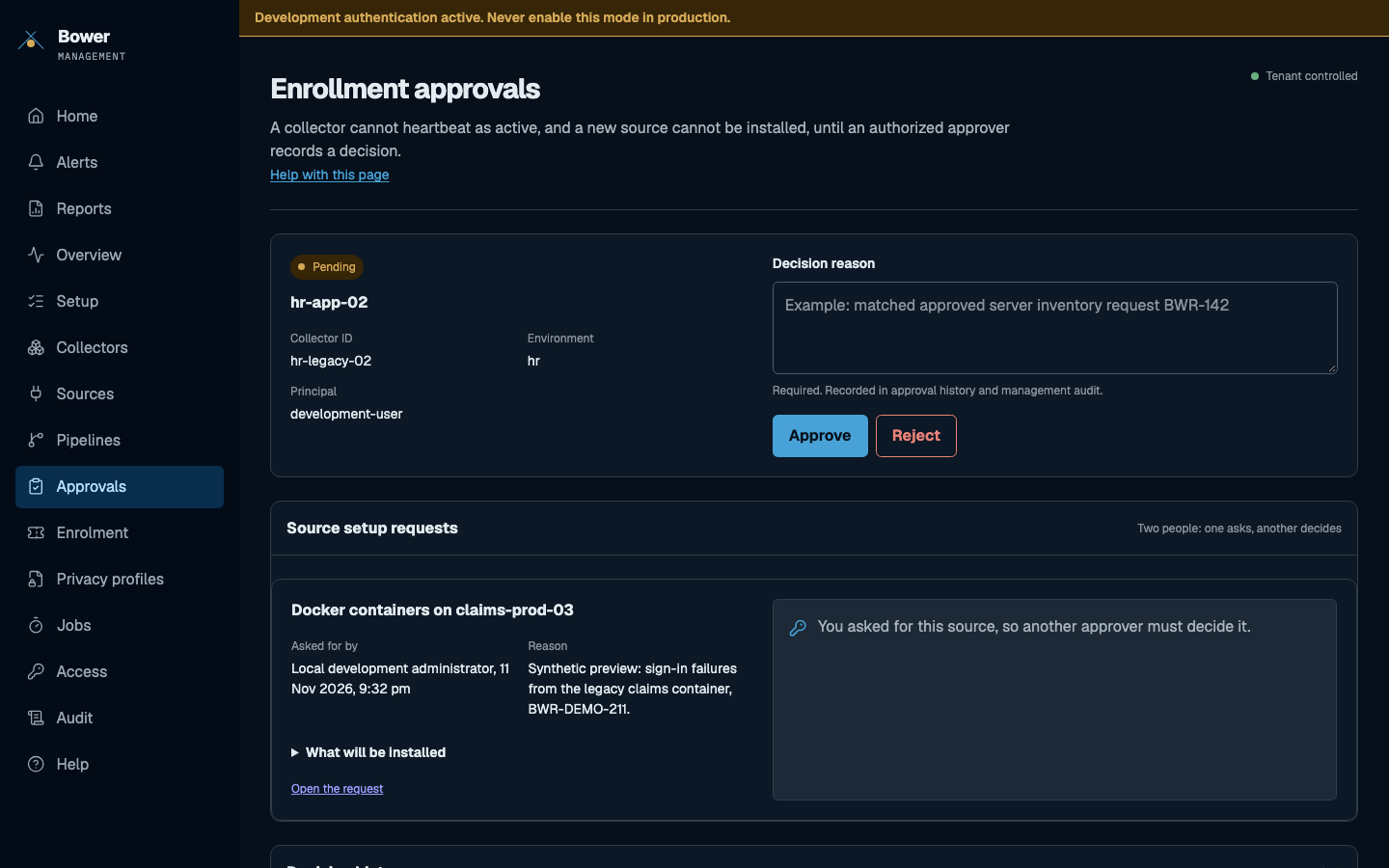
Read more: Roles and identity.
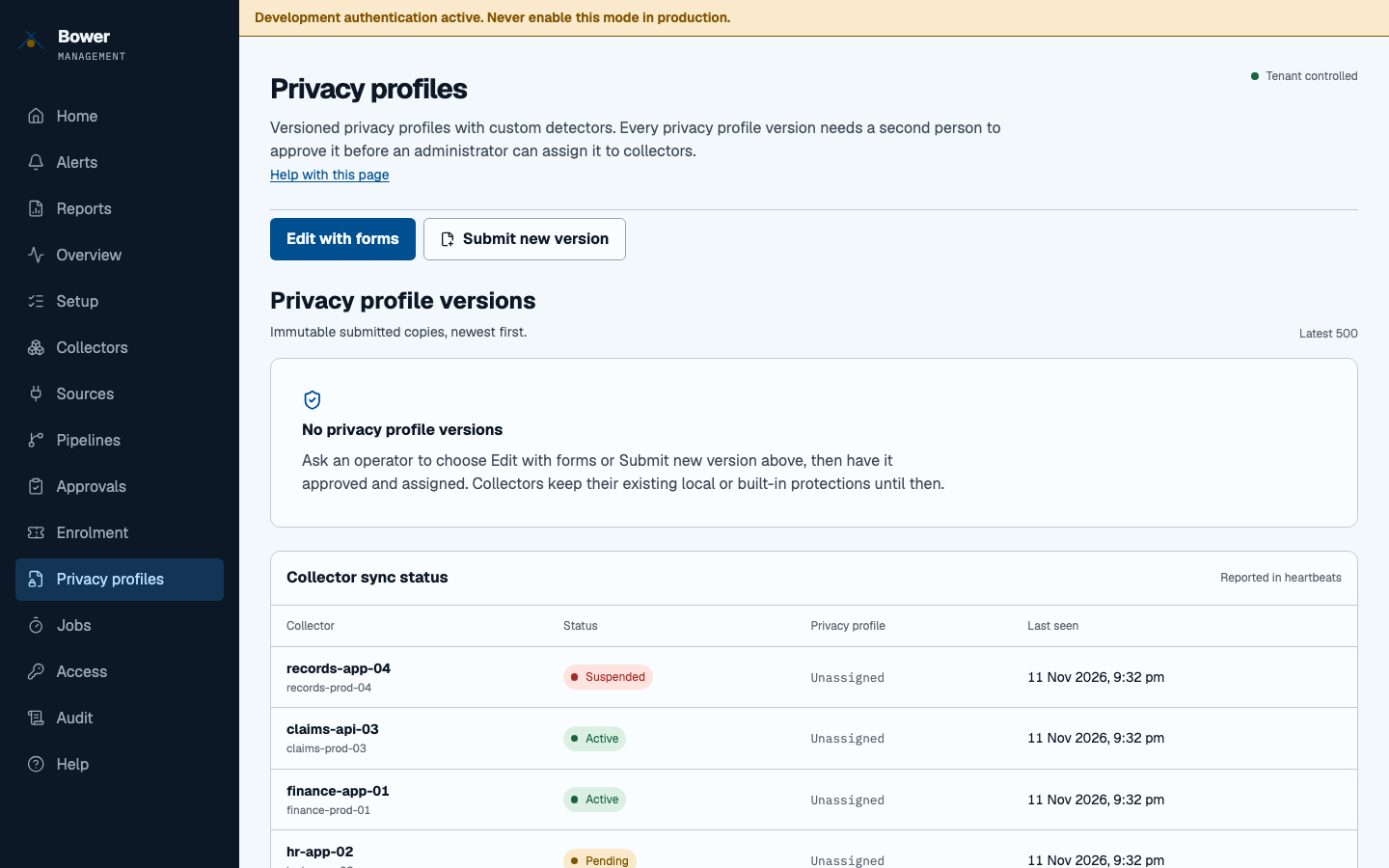
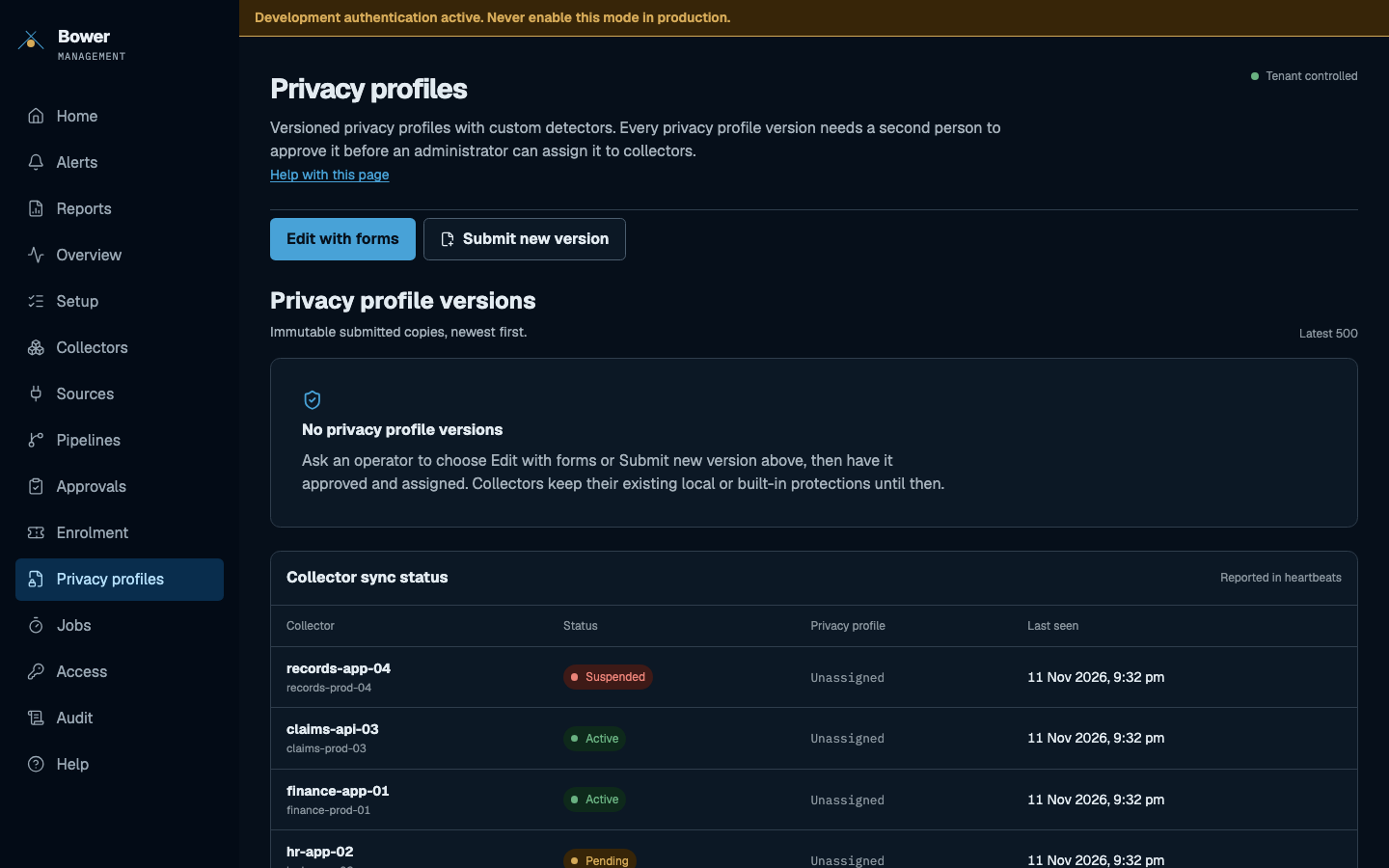
Privacy profiles
Edit what Bower redacts with forms, check the protected example, and submit a new immutable version for approval. Assigning a version to collectors is a separate administrator step.
Read more: Change privacy actions with forms.
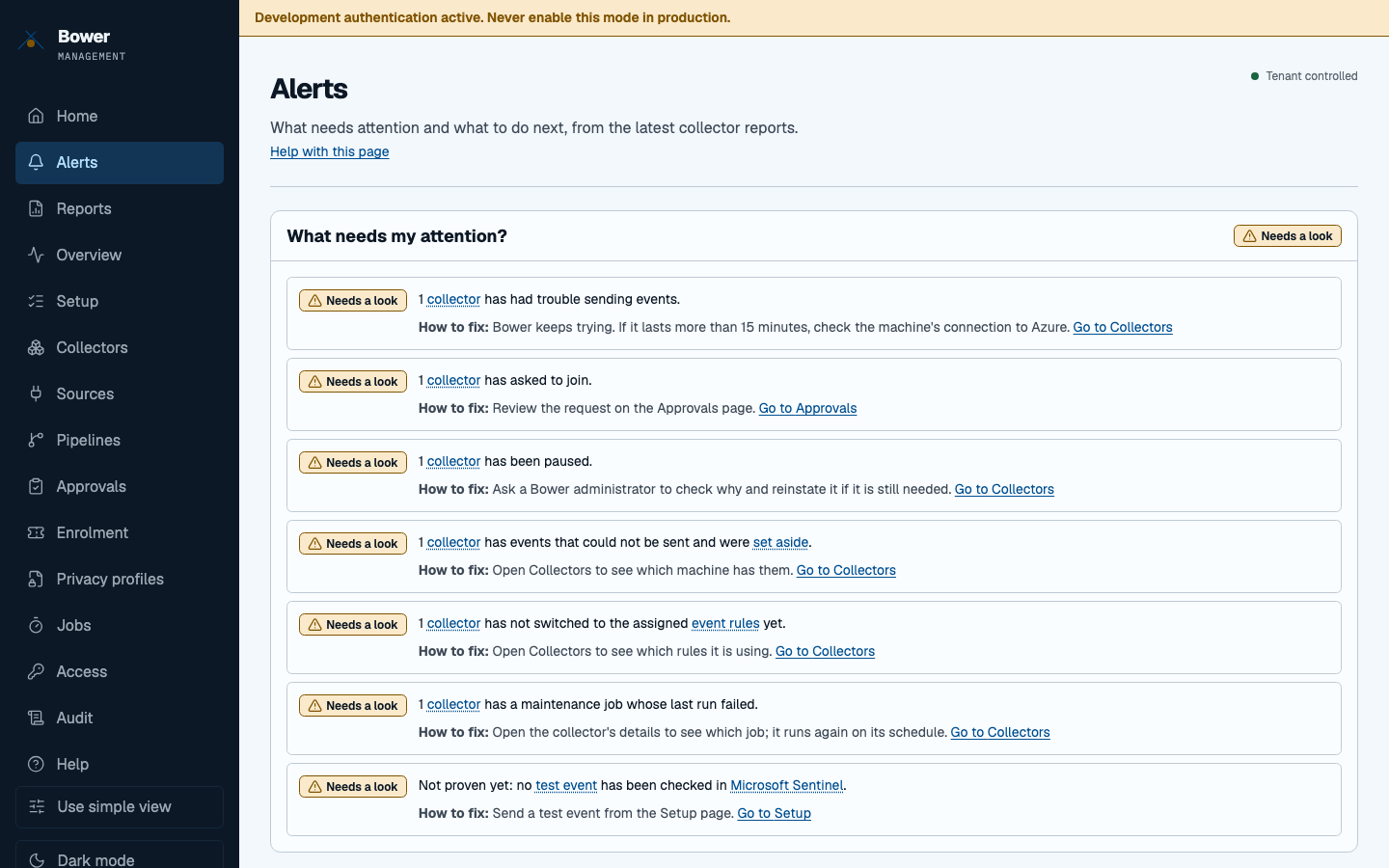
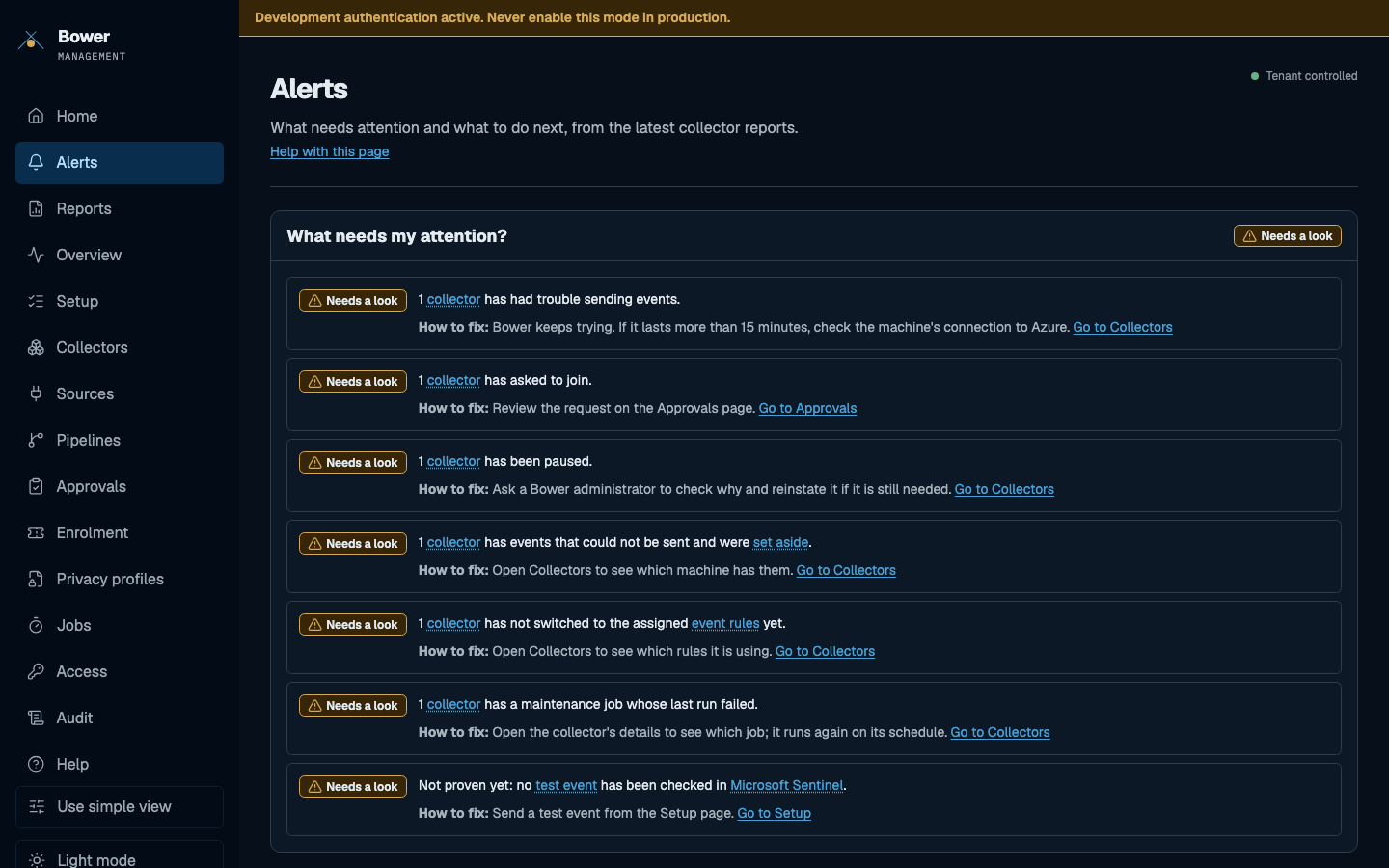
Alerts
Current conditions that need attention, each with a suggested fix from the management server, such as a full queue or a failed maintenance job.
Read more: Help in the console.
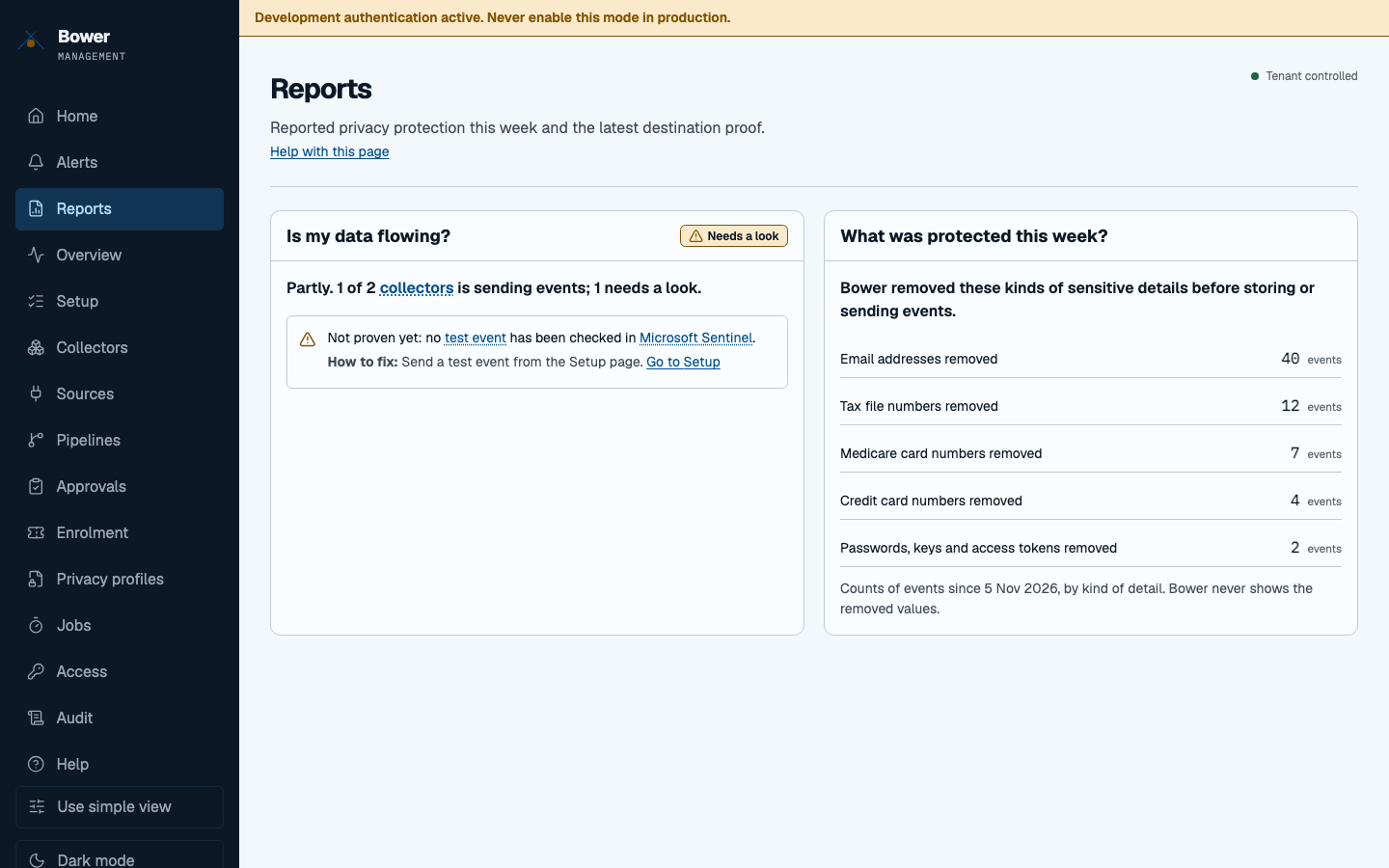
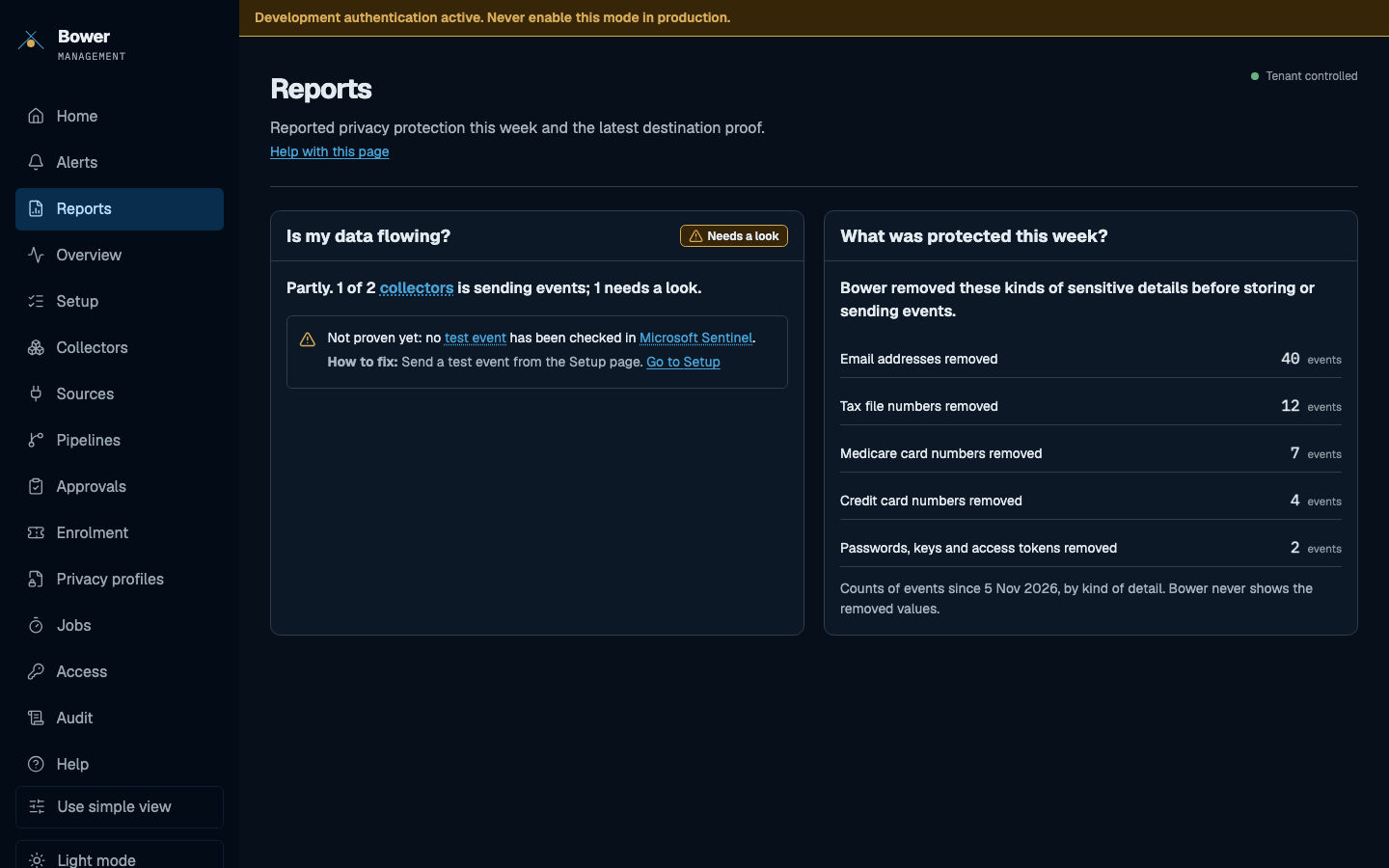
Reports
Is my data flowing, and what was protected this week, by kind of detail. The latest destination proof sits here: only a Sentinel query that finds the exact canary counts.
Read more: Prove delivery.
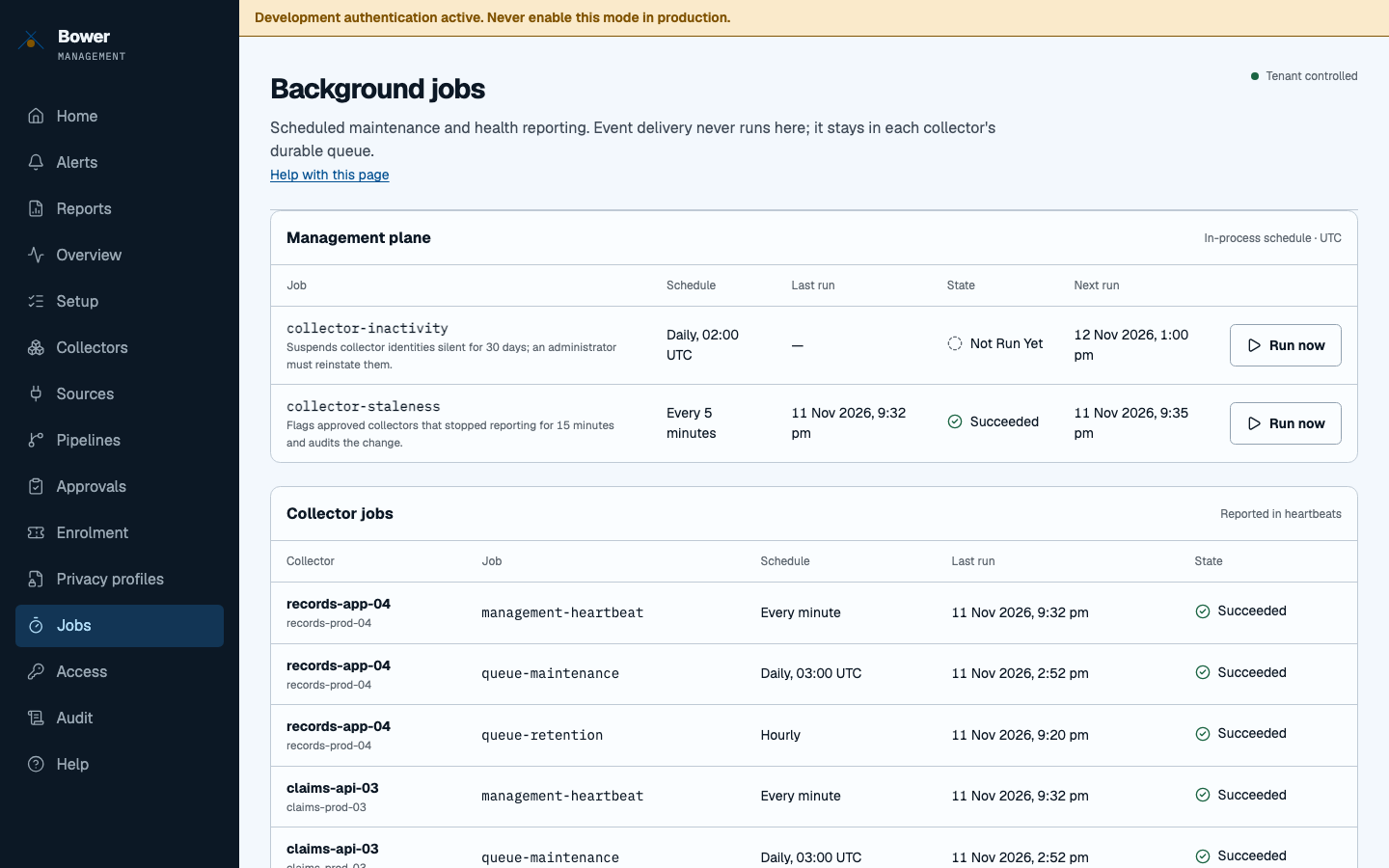
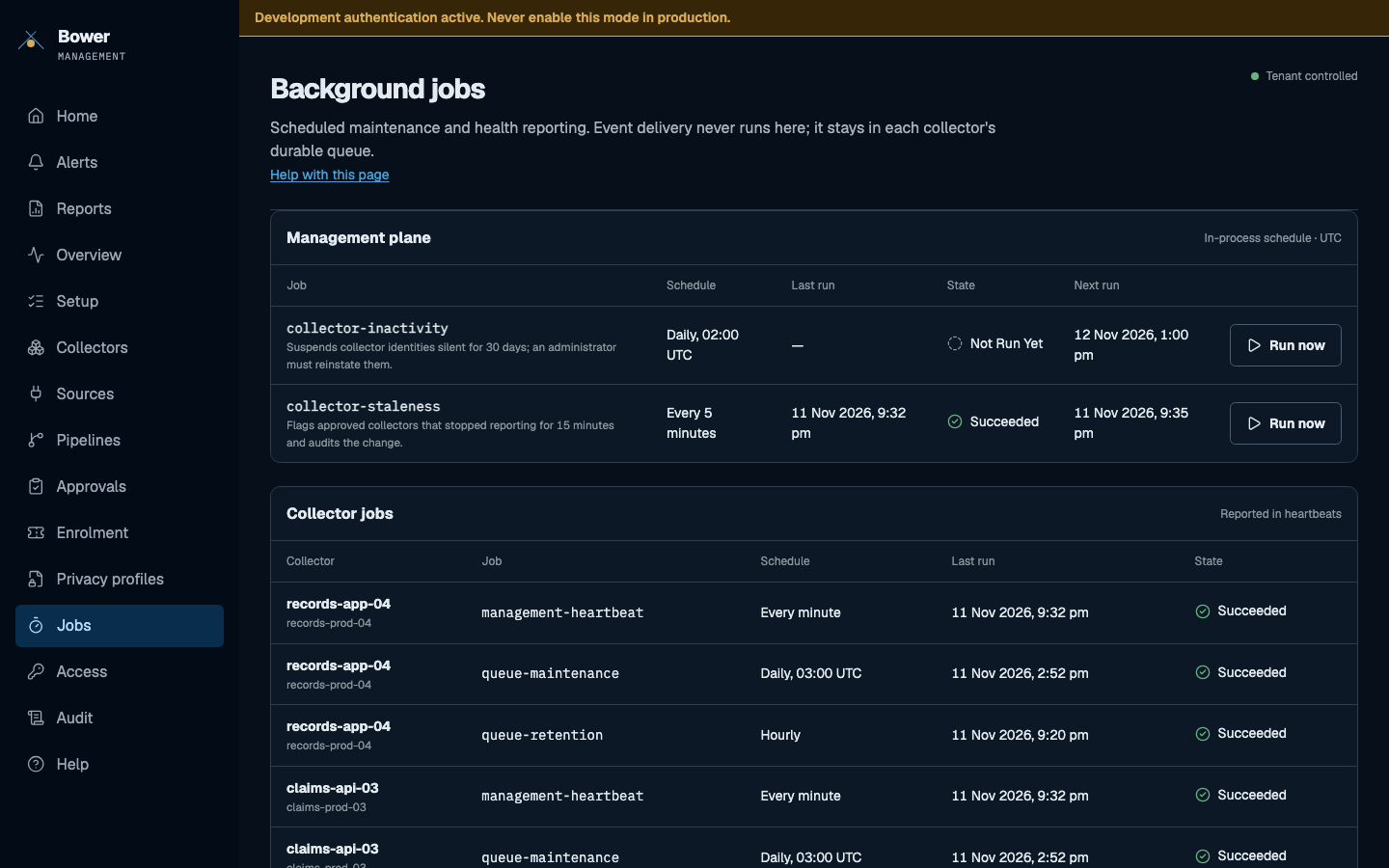
Jobs
Scheduled maintenance and health reporting: the management plane's staleness and inactivity jobs, which you can run now, and each collector's heartbeat, queue maintenance and retention jobs as reported in heartbeats. Event delivery never runs here; it stays in each collector's durable queue.
Read more: Background jobs.
Audit
Who performed which management action, and when. An empty history means nothing has been recorded yet.
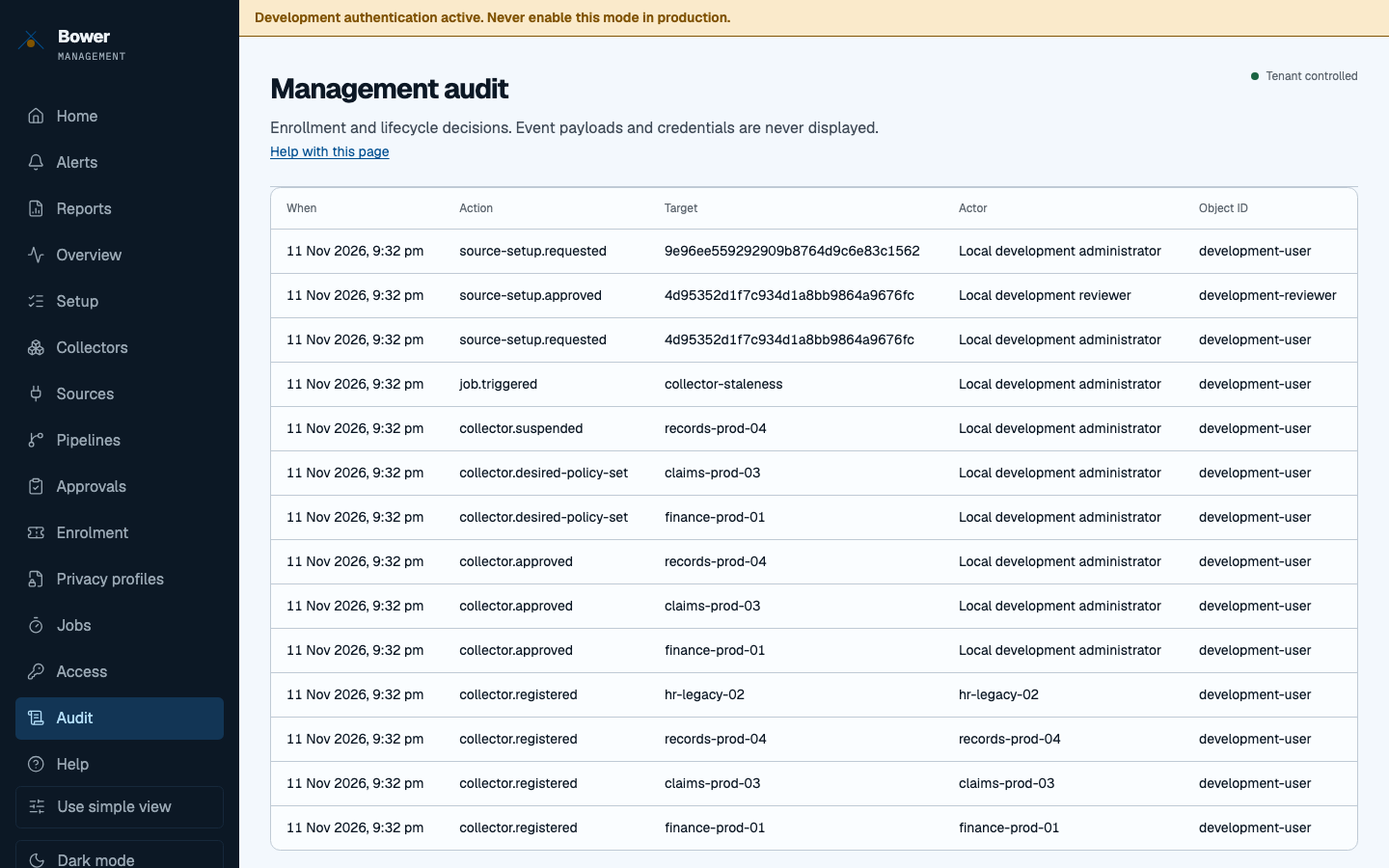
Read more: Roles and identity.
Access
Your own roles, as the management API sees them. Ask your Entra administrator for a Bower app role; API authorisation is what counts, the console only follows it.
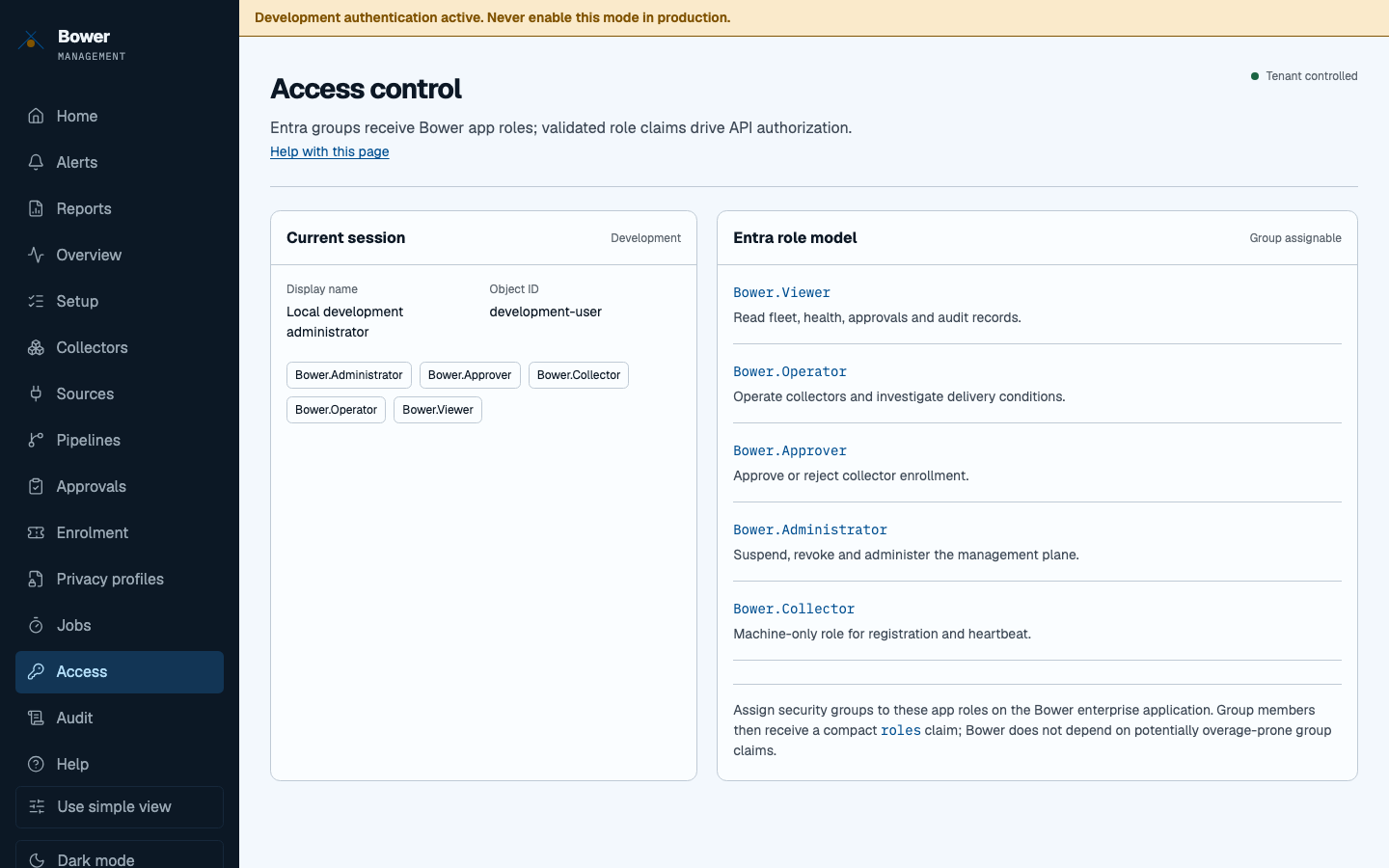
Read more: Roles and identity.
Help
Next steps for setup, fleet health, sources, privacy, access, alerts, reports and audit, the setup checklist and a glossary. Every page also links to its own help.
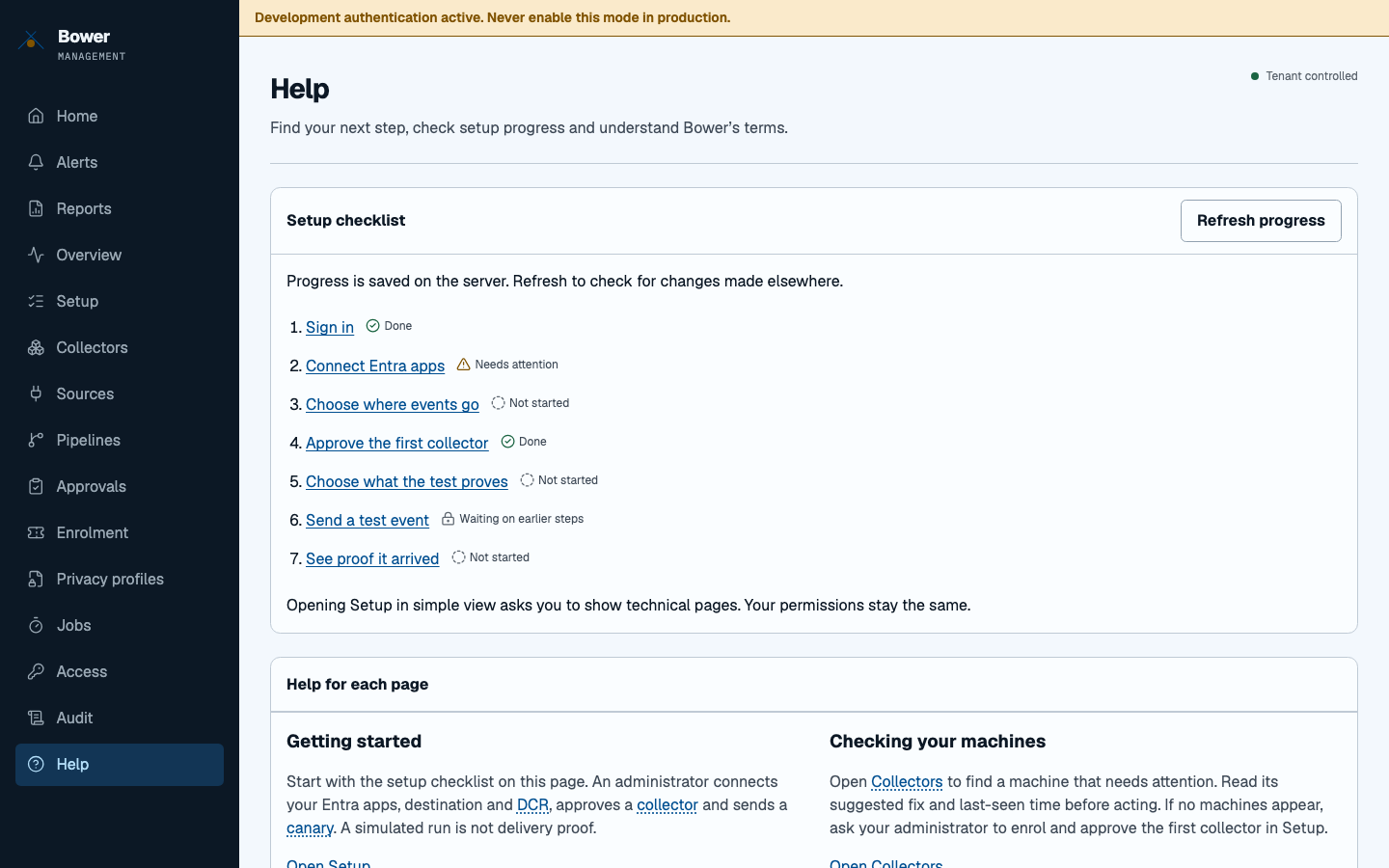
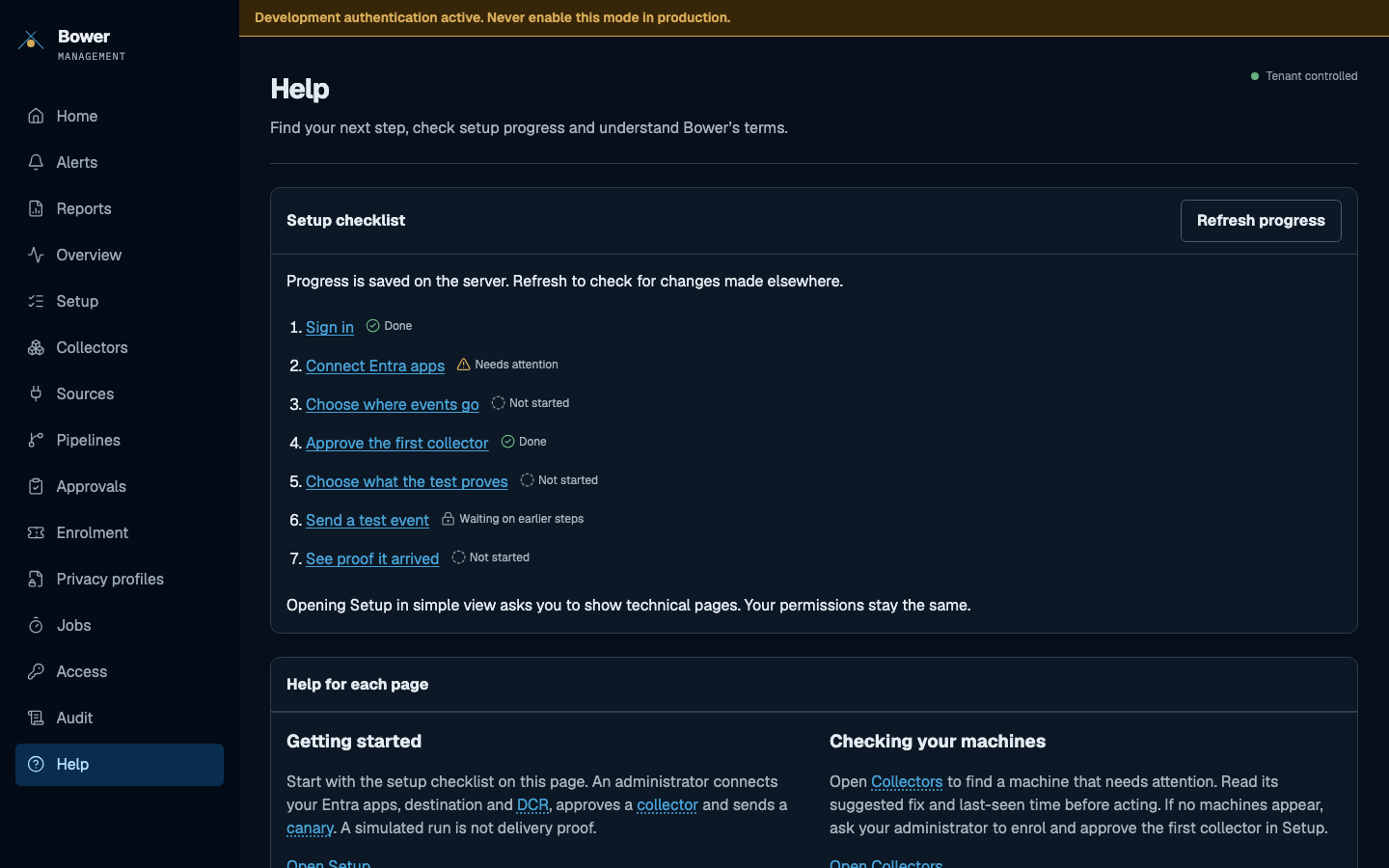
Read more: Help in the console.
Next
- Send your first verified event with the Setup wizard.
- Deploy the console in your tenant.