A simpler view of Bower
People with only the Viewer role start with four pages:
- Home answers whether data is flowing, what was protected and what needs attention.
- Alerts lists current issues and suggested fixes from the management server.
- Reports shows this week's reported privacy counts and the latest destination proof.
- Help explains unfamiliar terms.
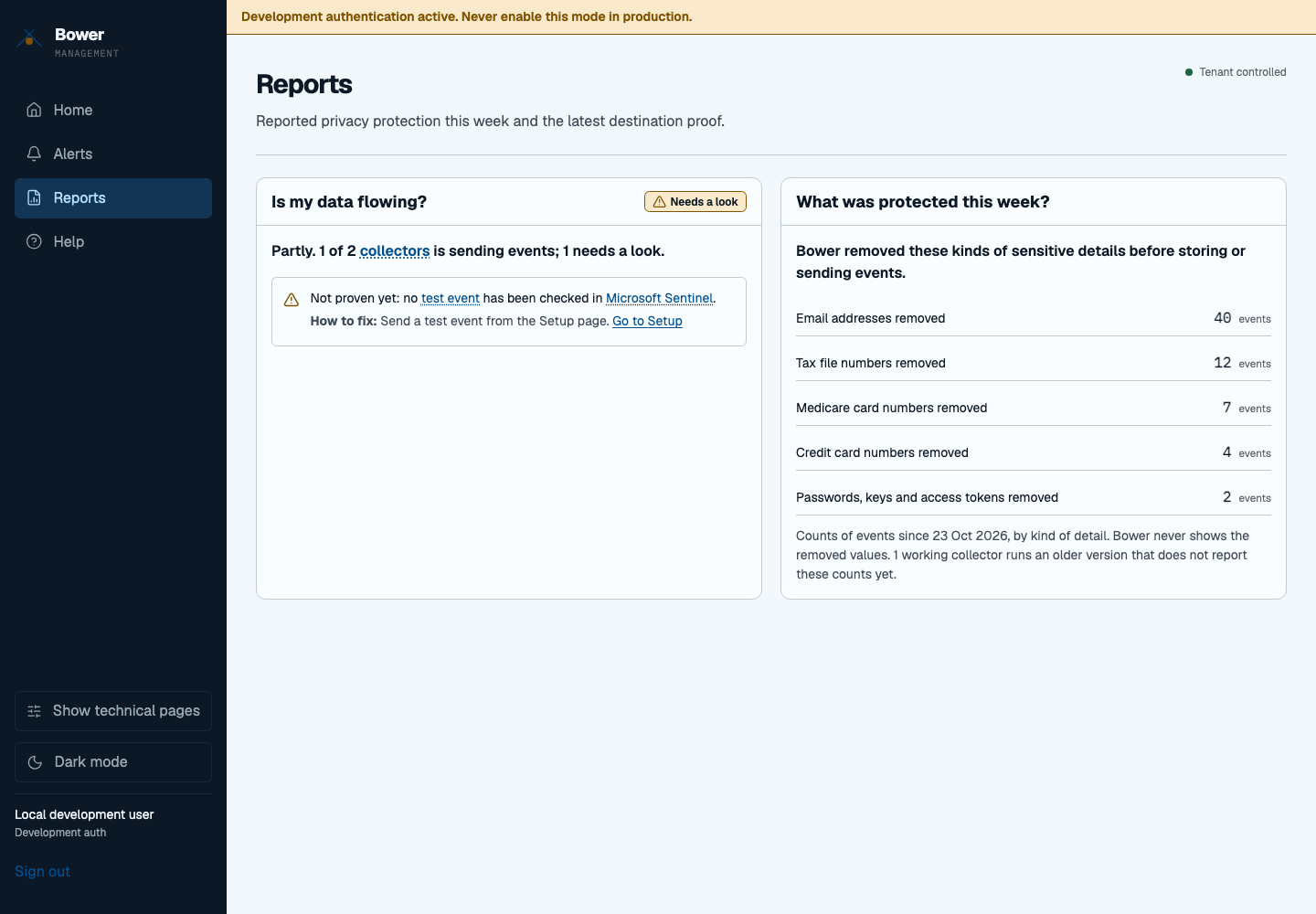
These views use the same authenticated management data as the detailed console. They never invent a successful delivery: a collector accepting an event is different from finding it in Sentinel. Missing counters and unverified or simulated proof remain labelled. A failed refresh keeps the last result with its timestamp.
Choose Show technical pages in the navigation to see the detailed fleet,
configuration and audit pages. A direct link to a technical page first explains
that it is hidden and offers the same choice. Use simple view hides them again.
The choice persists in this browser per tenant and signed-in user. The preference
contains only simple or detailed; it stores no token, credential or telemetry.
Operators, approvers and administrators start in detailed view and can also choose the simpler view. The toggle changes presentation only. A viewer remains read-only on every technical page, and the API still rejects write requests. If the access check fails, technical pages remain unavailable until it succeeds.
The report page is a current summary, not a historical evidence export. Privacy counts cover only reporting collectors and the displayed time window. Use the onboarding destination check for query-verified delivery evidence.